Documentation SEO: How to Make Your Knowledge Base Discoverable
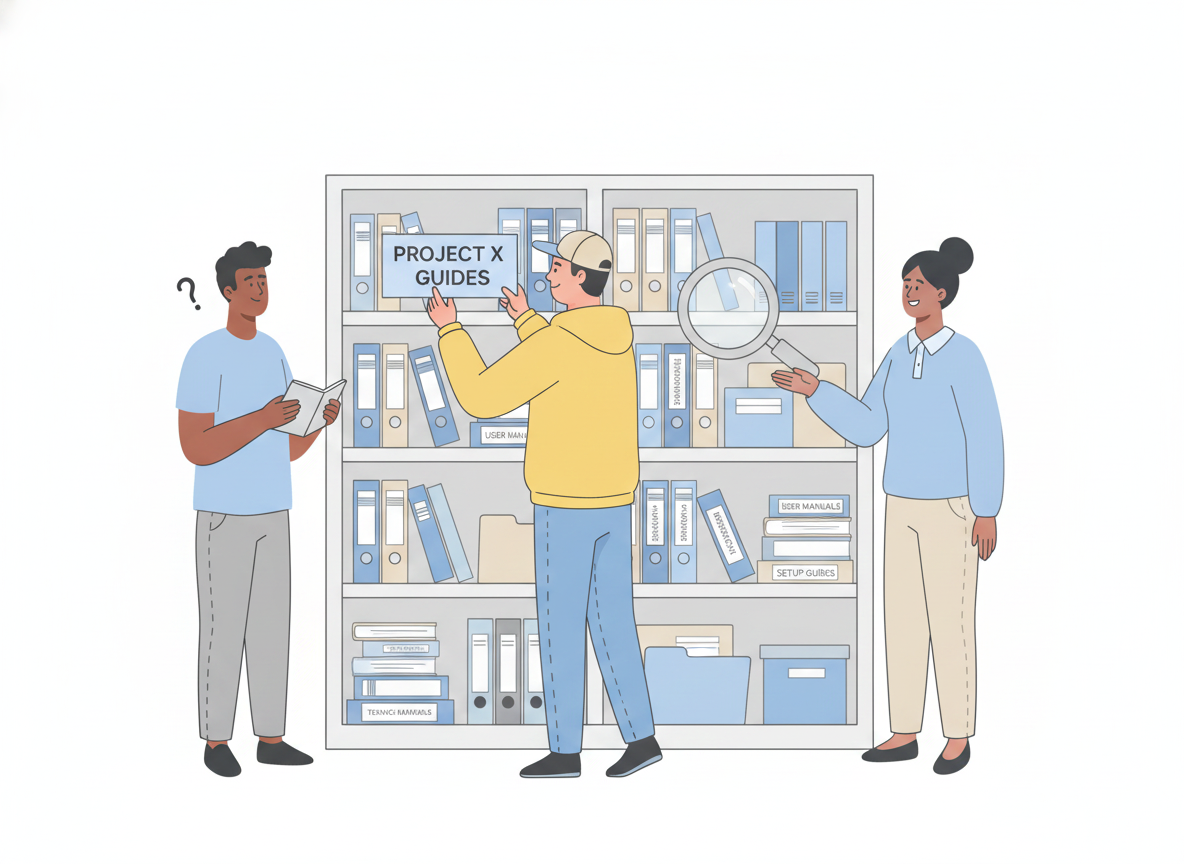
You wrote the documentation. You answered the hard questions, added the screenshots, and organized it all into a tidy knowledge base. Then the support tickets kept coming — asking the exact things your docs already explain.
The problem usually isn't the writing. It's discovery. A help article only deflects a ticket if the person with the question finds it first, and the places people search have changed. They still type into Google, but they also ask an AI assistant, and that assistant decides whether your page is worth quoting. This guide walks through documentation SEO that works for both: how to make your knowledge base findable by search engines and by the AI answer engines now sitting between your docs and your readers.
Documentation SEO is the practice of structuring, writing, and tagging your knowledge base so search engines and AI answer engines can find it, understand it, and surface it to people asking related questions. Knowledge base SEO is simply search engine optimization applied to help content instead of marketing pages — same fundamentals, different surface.
Why documentation discoverability just changed
For years, "getting found" meant ranking on a results page. Increasingly, the results page answers the question itself — an AI-generated summary appears on top, and many readers never click through at all.
Here's the part that matters for your strategy: those summaries are still built from indexed, ranked web content. Google's own guidance is explicit that its AI features use retrieval-augmented generation, grounding answers in pages it has crawled and ranked, with links back to the sources. In other words, the work that makes a page rank in classic search is the same work that makes it eligible to be quoted by an answer engine. There is no separate "AI markup" to chase and no secret file to add. Clear, well-structured, genuinely helpful documentation is what wins in both places.
That's the good news. You don't need two strategies. You need one solid foundation, applied consistently across every topic in your knowledge base.
Start with structure
Discoverability begins before a single keyword. If a search engine can't tell what a page is about, it can't match it to a question — and neither can an AI assistant.
The fix is one idea per page. A topic that tries to cover installation, billing, and troubleshooting in one scroll competes with itself and ranks for none of them cleanly. Split it. Each page should answer one clear question a reader would actually type.
Write page titles that describe the page
The title is the strongest signal you control. Make it unique to the page, clear, and accurate. "Reset your password" beats "Account help," because it matches the exact phrase a stuck user searches. Lead with the words the reader would use, not internal jargon.
Give every page a real heading hierarchy
Headings are not decoration. They let both readers and crawlers scan the shape of a page and jump to the relevant section. Use one clear H1 for the page topic, then H2s and H3s phrased as the questions a reader asks in order — "How do I export my data?" rather than "Exports." Well-organized headings make a page easier to navigate and easier to lift a precise answer from.

Write for extractability
Answer engines reward content they can quote cleanly. So does the featured snippet box in classic search. The technique is the same: put the answer first.
Open each article with a direct, self-contained answer in a sentence or two, then expand with the steps, the caveats, and the edge cases. A reader skimming gets what they need immediately; a machine extracting a summary gets a clean, accurate pull-quote instead of a paragraph it has to guess at.
A few habits make content far more extractable:
- Define the term early. If the page is about a feature, say what it is in under 50 words near the top.
- Keep paragraphs short. One idea each. Dense walls of text bury the answer.
- Use lists for parallel items — steps, options, requirements — so the structure is obvious at a glance.
- Be specific and non-generic. Google's guidance favors helpful, people-first content with real expertise over recycled, commodity explanations. Your product knowledge is the differentiator; use it.
Resist the urge to fragment everything into tiny scattered snippets for the machines. The goal is clarity for people. Content that genuinely helps a reader is what gets surfaced — chopping it into context-free fragments works against you.
Add the metadata machines read
Once the content is right, the markup helps the right page reach the right person.
- Meta descriptions. Write a short, unique summary for each page that names the most relevant points. It often becomes the snippet under your link and shapes whether someone clicks.
- Descriptive alt text on every image. Explain what the image shows and how it relates to the content. It helps visually impaired readers, and it gives search engines context they can't get from a screenshot.
- Structured data. Marking up your pages with schema — for articles, FAQs, how-to steps, and breadcrumbs — tells search engines exactly what each part of the page means and can qualify it for richer results. Google has reported click-through-rate gains ranging from roughly 25% to over 80% for pages enhanced with structured data. JSON-LD is the recommended, lowest-friction format.
- An accurate sitemap. Give crawlers a clean map of every help topic so new and updated pages get discovered quickly instead of waiting to be stumbled upon.
None of this changes a word your reader sees. It just removes the guesswork for the systems deciding whether to show your page.
Make search work inside your docs, too
External discovery gets people to your knowledge base. Internal findability decides whether they get unstuck once they arrive — and it follows the same principles.
Readers decide what to click based on information scent: the cues a link gives about where it leads. Vague labels like "Learn more" or "Click here" give off weak scent and send people guessing. Descriptive link text — "Set up two-factor authentication" — tells readers and crawlers exactly what's on the other side. Strong, honest labels build trust; misleading ones erode it and cost you the next click. Pair that with a fast, full-text internal search and a logical menu, and a reader who lands on the wrong page can still self-serve their way to the right one instead of opening a ticket.
Keep it fresh, and keep it the single source of truth
Discoverability decays. A page that ranked last year can drift out of date, and stale help content quietly trains both readers and answer engines to distrust you. Review high-traffic topics on a schedule, update them when the product changes, and retire what no longer applies.
This is far easier when your documentation lives in one place with version history, rather than scattered across documents, threads, and folders. A single source of truth means one canonical page per question — so search engines aren't choosing between three competing versions, and your readers aren't either.
A documentation SEO checklist
Run every knowledge base article against this before you publish:
- One clear topic per page, matched to a real question
- A unique, descriptive title that leads with the reader's words
- A clean H1 → H2 → H3 heading hierarchy phrased as questions
- The answer stated directly in the first sentence or two
- Short paragraphs, lists for parallel items, terms defined early
- A unique meta description and descriptive alt text on every image
- Structured data (article, FAQ, or how-to) where it fits
- Descriptive internal links and a working internal search
- A review date so the page stays current
The shift in one line
Documentation discoverability is no longer about gaming a results page — it's about being the clearest, best-structured answer to a real question, so both search engines and AI assistants can confidently hand it to the person who needs it. The work compounds: every page you make easier to find is a ticket you don't have to answer twice.
A platform built for published documentation does most of the heavy lifting here — clean structure, per-page metadata, structured data, sitemaps, fast search, and translation handled for you, so your team can focus on writing the clearest answer. That's exactly what Sonat is designed to do.