Documentation Strategy
Documentation Translation: How to Localize Your Docs for a Global Audience
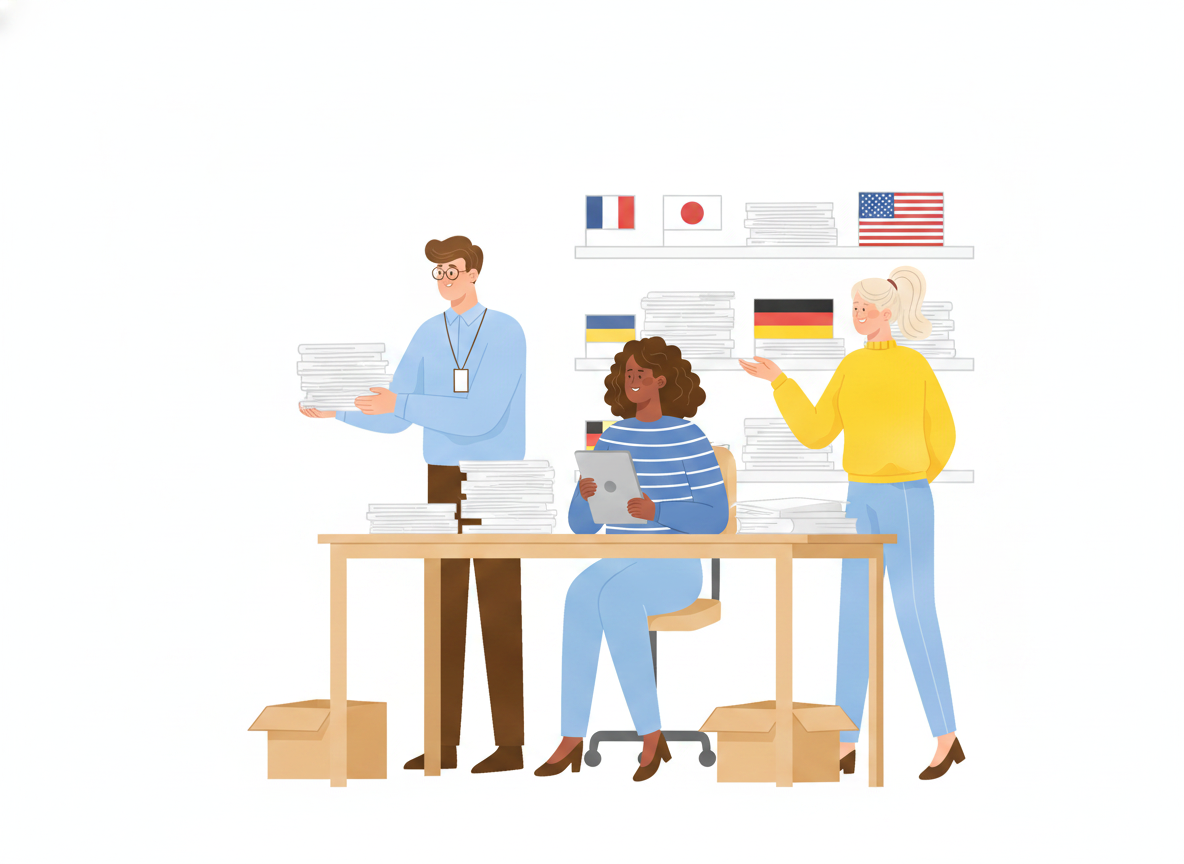
Your product already crosses borders. Your documentation usually doesn't. A help center that reads perfectly in English quietly turns into a wall for the customer in Munich, São Paulo, or Seoul who is trying to solve a problem at 9 p.m. in their own language.
This guide walks through documentation translation as a repeatable process, not a one-off scramble before a launch. You'll learn how to write a source that's ready to translate, when machine translation is enough and when it isn't, how to keep ten languages in sync without losing your mind, and how to make translated docs easy to find. The goal is simple: docs that work for every reader, in every market, without a separate project each time.
What documentation translation actually means
Documentation translation is the process of taking your manuals, help articles, and policies and making them accurate and usable in another language. It's worth separating two terms people use interchangeably.
Translation converts words from one language to another. Localization adapts the whole experience — units, currency, examples, screenshots, reading direction, and tone — so the content feels native rather than imported. A good documentation localization strategy treats translation as one step inside localization, not the finish line.
The distinction matters because readers notice. A manual that's been translated word-for-word but still shows U.S. date formats and dollar prices reads like a guest in someone else's house. One that's been localized reads like it was written there.
Why translated documentation is a business decision, not a nice-to-have
It's tempting to treat language as a polish task. The data says otherwise. In a survey of 8,709 consumers across 29 countries, 76% said they prefer to buy products with information in their own language, and 40% said they won't buy from websites in other languages at all. Support carries the same weight: roughly three in four people are more likely to buy again from a brand that helps them in their language.
For documentation specifically, the payoff is concrete:
- Fewer support tickets. A customer who can read the answer doesn't open a ticket to ask for it.
- Faster onboarding in every region your product ships to, not just your headquarters' language.
- Lower legal and safety risk for policies, procedures, and compliance docs that people must actually understand.
- More organic reach, because search engines index each language separately and surface it to the right readers.
Translated docs aren't a cost center bolted onto a launch. They're the difference between a market you serve and a market you merely sell into.
Write a source that's ready to translate
The cheapest way to improve every translation is to fix the English first. Translation multiplies whatever you feed it — clarity and confusion both scale.
A few habits make source content translation-ready:
- Keep sentences short and literal. One idea per sentence. Idioms, sports metaphors, and puns rarely survive the trip.
- Stay consistent with terminology. Call it a "workspace" everywhere, not a "workspace," "space," and "project" on three different pages. Consistency is what lets a translation memory reuse your past work.
- Avoid embedding text in images. Words baked into a screenshot can't be translated without remaking the image. Put instructions in the text and keep visuals language-neutral where you can.
- Leave room for the words to grow. Translated text is usually longer than English. According to W3C internationalization guidance, short strings can expand by 200–300% — a five-character English word like "views" becomes the fifteen-character "visualizzazioni" in Italian. Tables, buttons, and tight layouts that look fine in English can break once the text expands, so design with slack.
This is also where a single source of truth pays off. When every language flows from one canonical version of a topic — rather than a pile of forked copies — you fix the source once and every translation inherits the fix.
Machine translation vs. human review: where each one fits
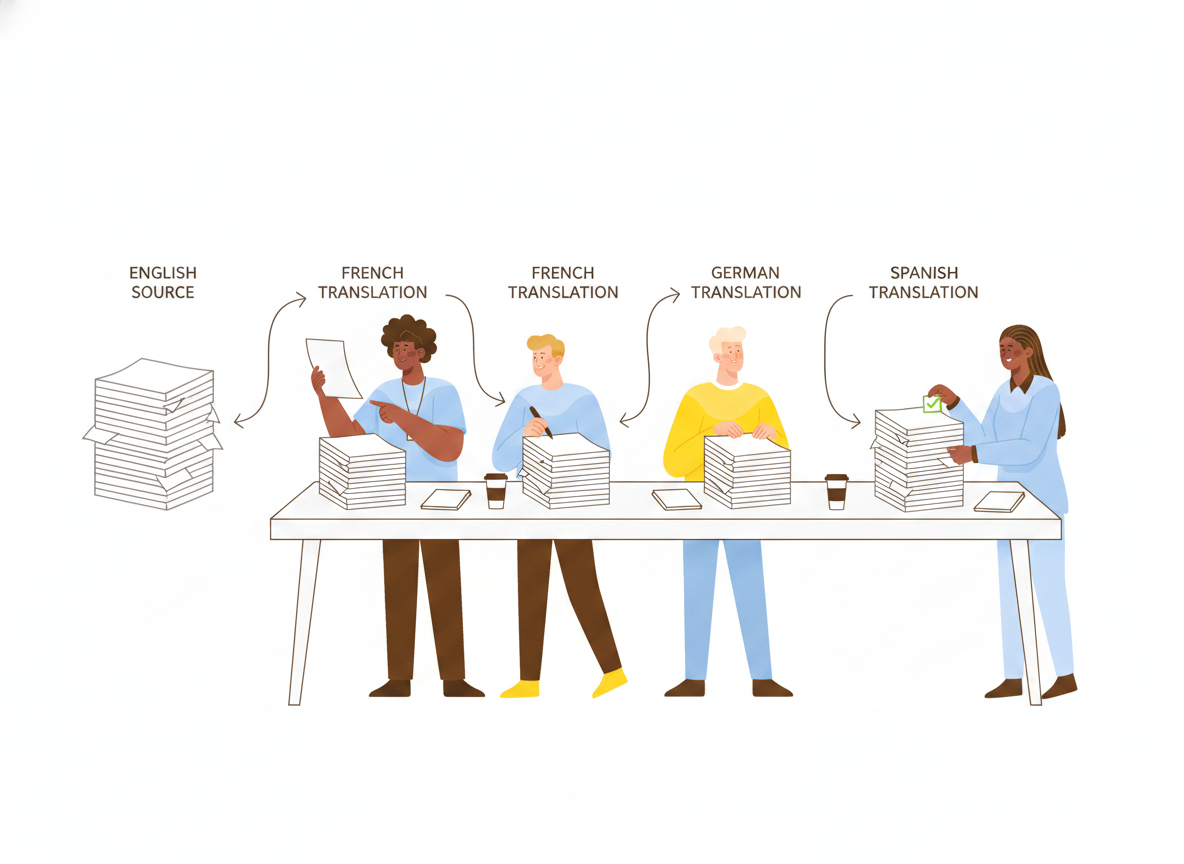
The old debate of machine or human is mostly settled. The practical answer is both, in sequence.
Modern machine translation is fast, cheap, and good enough to carry the first 90% — especially for high-volume, fast-changing content like help articles. What it can't reliably judge is nuance: a safety warning, a legal clause, a phrase that's accidentally offensive in another culture. That last stretch is where a human reviewer earns their keep.
A pragmatic way to decide how much human review each document needs:
- Machine-translate everything as the baseline. Nothing should sit untranslated while it waits for a perfect human pass.
- Add light human review for customer-facing help content — a native speaker checking that it reads naturally and the terminology is right.
- Add full professional review for anything high-stakes: policies, procedures, safety instructions, and contractual language.
Tiering review by risk keeps cost in proportion to consequence. You're not paying for a courtroom-grade translation of a tooltip, and you're not shipping a safety warning that nobody checked.
How translation memory keeps costs down
A translation memory stores every sentence you've already translated and reuses it the next time the same or similar text appears. The first time you translate "Click Save to apply your changes," it costs effort. Every time after, it's free and instant — and identical across your whole library.
Over a large documentation set, that reuse is the single biggest lever on both cost and consistency. It's also why consistent source terminology matters so much: the memory can only reuse a sentence it recognizes.
Keep every language in sync as the source changes
Translation isn't the hard part. Staying translated is. Your English docs change constantly — a new feature here, a corrected step there — and every edit risks leaving ten other languages quietly out of date. Stale translations are worse than none, because readers trust them.
This is fundamentally a translation management problem, and a few practices keep it under control:
- Version your content so you can see exactly what changed in the source and re-translate only the affected topics, not the entire manual.
- Track translation status per language so it's obvious at a glance which topics are current, which are drafted, and which are waiting on review.
- Trigger re-translation from source changes, rather than hoping someone remembers to update Portuguese after editing the English.
- Publish from one place. When the source, the translations, and the live site are different systems, drift is guaranteed. When they're one system, "update and publish" stays a single action.
Sonat is built around exactly this loop. Each topic has one canonical source, machine translation across 184 languages produces every language version from it, and version history keeps those versions traceable as the source evolves — so a fix to the original is a fix everywhere, not the start of ten more tasks.
Make translated documentation easy to find
A perfectly translated article that no reader can find still fails. Discoverability is the last mile of any localization strategy.
- Give each language its own indexed, crawlable page with the correct language tags, so search engines can serve the right version to the right audience instead of guessing.
- Translate the search experience too. A reader typing in German should match German content, which means a search index per language rather than one English-shaped index doing double duty.
- Localize titles and descriptions, not just body text — the snippet a reader sees in search results is often their first impression of whether your docs will help.
Done well, multilingual documentation compounds: every language becomes its own front door, pulling in readers who would never have found the English version.
Start small, then widen
You don't need all 184 languages on day one. The teams that succeed at global documentation start narrow and build a habit:
- Pick the two or three languages that match where your customers and revenue already are.
- Make your English source translation-ready using the habits above.
- Machine-translate the full set, then add human review where the stakes justify it.
- Wire translation to your publishing flow so updates propagate instead of piling up.
- Add languages once the loop runs without heroics.
Documentation translation stops being a fire drill the moment it becomes a system: one clear source, sensible review tiers, and a single place where updating and publishing are the same motion. Get that loop running, and serving a global audience turns from a launch-week panic into something your docs just do — every day, in every language your customers actually speak.