How to Build a Knowledge Management System That People Actually Use

Your team already has the answers. They're just scattered — in a chat thread from March, a slide deck nobody can find, a spreadsheet on someone's laptop, and the head of one person who is out on leave this week. A knowledge management system is how you pull all of that into one place people trust, so the answer is there when someone needs it.
This guide walks through how to build one that sticks. Not a tool you buy and abandon, but a system your team actually opens, updates, and relies on. By the end, you'll have a practical plan: where to start, how to keep it current, and how to know it's working.
What is a knowledge management system?
A knowledge management system is the set of tools, processes, and habits an organization uses to capture, organize, and share what it knows — so the right information reaches the right person at the right time. It covers internal knowledge (how your team works) and external knowledge (how customers use your product).
It is not just a folder of documents. A working system has structure, an owner for each topic, a way to keep content fresh, and search that actually finds things. The software matters, but the habits around it matter more.
Why most knowledge management systems fail
Most teams don't fail because they picked the wrong app. They fail because they treat the tool as the whole solution.
The numbers back this up. Research ranks knowledge management among the top three issues influencing company success — yet only 9% of organizations feel prepared to address it. Even with modern search and AI, 29% of people say it is difficult or nearly impossible to pull the knowledge they need for daily work out of their own repositories.
The common failure pattern looks like this:
- No single home. The same answer lives in five places, each slightly out of date.
- No owner. Nobody is responsible for a page, so nobody updates it.
- No incentive to share. People hoard what they know, or simply never have time to write it down.
- No trust. One wrong answer, and people stop searching and start asking a colleague instead.
That last point compounds. When knowledge is hard to find, employees route around the system entirely. Studies show that at companies that genuinely prioritize knowledge transfer, 80% of people find it easy to access information from their repositories — compared with just 51% at companies that don't. The gap isn't the technology. It's whether sharing is built into how the team works.
Start with a single source of truth
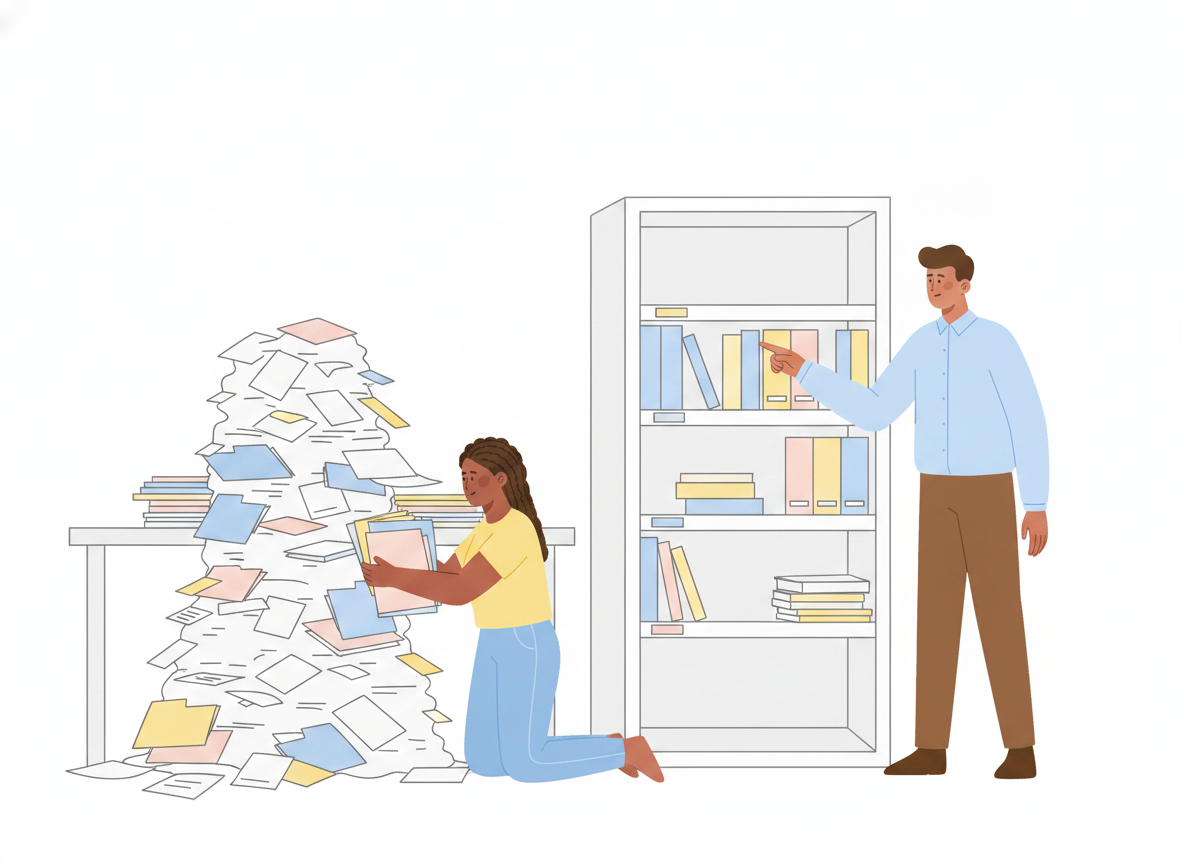
Before you write a word of content, decide where it lives. A knowledge management system only works when there is one obvious place to look, and everyone knows where that is.
A single source of truth means each piece of knowledge has exactly one canonical home. When something changes, you update it once, and every link points to the current version. No duplicate copies drifting apart. No "which version is right?"
Practical ways to get there:
- Pick one platform and commit. Migrating scattered docs is tedious, but two competing "official" homes guarantee confusion.
- Map your top 20 questions first. What do customers and teammates ask most? Build those pages before anything else. Coverage of the long tail can come later.
- Use a clear, shallow structure. A few well-named categories beat a deep tree nobody can navigate. If a reader needs more than three clicks, the structure is too deep.
This is also where an internal knowledge base and a customer-facing help center can share the same foundation — written once, organized once, published to the right audience.
Design a knowledge management process people will follow
A pile of pages is not a system. The system is the process that keeps those pages alive. The international standard for knowledge management systems, ISO 30401, frames this as a lifecycle rather than a one-time project — and that framing is useful no matter what tool you use.
Keep your knowledge management process light enough that busy people will actually follow it:
- Capture. Make it easy to turn a good answer into a draft. If writing a page takes an hour of formatting, it won't happen. Let people start from a template or draft in a tool they already use.
- Organize. Place each new page in its single home, with a clear title and the words people actually search for.
- Review. Route the draft to someone who can confirm it's correct before it goes live.
- Publish. Make it findable — good search, sensible categories, and a mobile-friendly reader.
- Improve. Watch what readers struggle with and revise. A knowledge management system is never "done."
The goal of a knowledge management strategy isn't a perfect document on day one. It's a loop that turns scattered, in-the-head knowledge into shared, trusted content a little more each week.
Build in governance and review
Trust is the whole game. People only return to a knowledge base that has been right the last several times they checked. That trust comes from governance — clear ownership and a review step before anything is published.
Good governance is lightweight, not bureaucratic:
- Give every topic an owner. One name responsible for keeping it accurate. Ownership is the single biggest predictor of whether a page stays current.
- Require a review before publishing. An approval workflow — even a single approver — catches errors before readers see them. For policies and procedures, this also gives you an audit trail of who approved what and when.
- Keep a version history. When you can restore an earlier version, people edit boldly instead of leaving stale content untouched out of fear.
This is exactly where applying a little software-engineering discipline — review, approval, version control — to everyday content pays off. The rigor stays invisible to readers. They just see answers they can trust.
Keep content fresh — make AI an enabler, not the owner
The fastest way to lose trust is stale content. The 2026 shift in knowledge management is using AI to fight that staleness: flagging pages that look outdated, drafting first versions, and answering questions in natural language by pulling from your own documents.
Used well, this is a real gain. AI can turn a rough explanation into a clean draft, suggest where a new page belongs, and surface answers directly from your knowledge base instead of making people hunt.
The caution is just as real. AI is an enabler, not the owner. A confident wrong answer is worse than no answer, because it spends trust you can't easily earn back. So keep a human in the loop: AI drafts and suggests, a subject-matter expert reviews and approves. Speed from the machine, judgment from the person.
A simple rule of thumb: let AI help you write and find knowledge, but keep a person accountable for whether it's true.
Measure impact, not activity
It's tempting to track page counts and views. Those numbers go up and to the right and tell you almost nothing. A knowledge management system earns its keep by changing outcomes, so measure those instead:
- Time saved. Are people finding answers faster, with fewer interruptions to teammates?
- Support deflection. Are repeat questions dropping because the answer is now self-serve?
- Onboarding speed. Do new hires get productive sooner because the knowledge is written down?
- Content health. What share of your pages were reviewed in the last quarter?
Pick two or three that map to a real business goal and watch them over time. If a page deflects a hundred support tickets a month, that's the story to tell — not how many words you published.
These outcomes also point to the best knowledge management practices for your specific team. Let the metrics tell you which gaps to fill next, instead of guessing.
Bringing it together
A knowledge management system isn't software you install. It's the combination of one trusted home, a light process that keeps content alive, clear ownership, AI that assists without taking over, and metrics that track real outcomes. Get those right, and the scattered answers your team already has become a shared resource everyone can rely on.
You don't have to build all of it at once. Start with your single source of truth and your top 20 questions, add a review step, and improve from there.
Sonat brings these pieces together in one place — draft in the tools you already use, review and publish with confidence, translate into 184 languages, and keep everything current as a single source of truth.
Start with Sonat