Online User Manual: How to Move Your Manual From PDF to the Web
Your product changes every few weeks. Your user manual is a PDF that someone last exported in the spring. Customers download it once, save it to their desktop, and keep reading it long after it has gone out of date.
An online user manual fixes that. This guide explains what changes when you publish your manual as web pages instead of a file, how to make the move in seven steps, and what product makers selling machinery in the EU should know about the digital-instructions rules that apply from January 2027.
What is an online user manual?
An online user manual is product documentation published as web pages rather than a printed booklet or a downloadable file. Readers open it in a browser on any device, search it, and always see the latest version. It is the same content as a traditional manual, but it is easier to find, read, and update.
If you want a fuller definition first, start with our explainer on what an online user manual is. This article focuses on the move itself.
Why PDF manuals hold your readers back
PDF is a print format. It works well when someone needs a paper copy. It works badly when someone is trying to solve a problem on screen.
Usability researchers at Nielsen Norman Group put it plainly: use PDF only for documents that people will print. In their research, people got lost in long PDFs, could not scan them the way they scan web pages, and grew frustrated trying to finish simple tasks.
The UK Government Digital Service reached a similar conclusion when it moved GOV.UK content from PDF to HTML. Its reasons map neatly onto user manuals:
- Phones. A PDF layout does not adapt to the screen, so readers pinch, zoom, and scroll sideways.
- Updates. A PDF is harder to change once it is published, and saved copies keep circulating after you fix them. A web page sends everyone to the current version.
- Navigation. Opening a PDF takes readers out of your site, so they lose your menu and search.
- Accessibility. Unless it is built with care, a PDF is harder to use with assistive technology or with larger text and custom colors.
- Insight. You learn far less about how people use a PDF than about how they use a web page.
For a product manual, each of these is a support ticket waiting to happen. A customer who can't find the reset steps on their phone doesn't keep scrolling. They contact you.
What changes when your user documentation lives online
Moving your end-user documentation online is not just a format swap. It changes how the manual works for you and for the people who read it.
Readers search instead of scroll. Each topic is its own page, so a search for "reset password" or "error E04" lands on the right answer, both in your manual's search box and in search engines.
There is one current version. When you update a step, everyone who opens the manual sees it. No more "which PDF do you have?" conversations with support.
It works on every screen. A responsive manual reads the same on a desktop, a tablet, or a phone held next to the product.
You can add more than text. An interactive user manual can include screenshots, short videos, and links between related tasks, which a printed page cannot.
You can see what people need. Page views, searches with no results, and reader feedback show you which topics confuse people. Our guide to manual analytics and feedback covers how to act on those signals.
How to move a user manual from PDF to online in 7 steps
1. Audit what you have
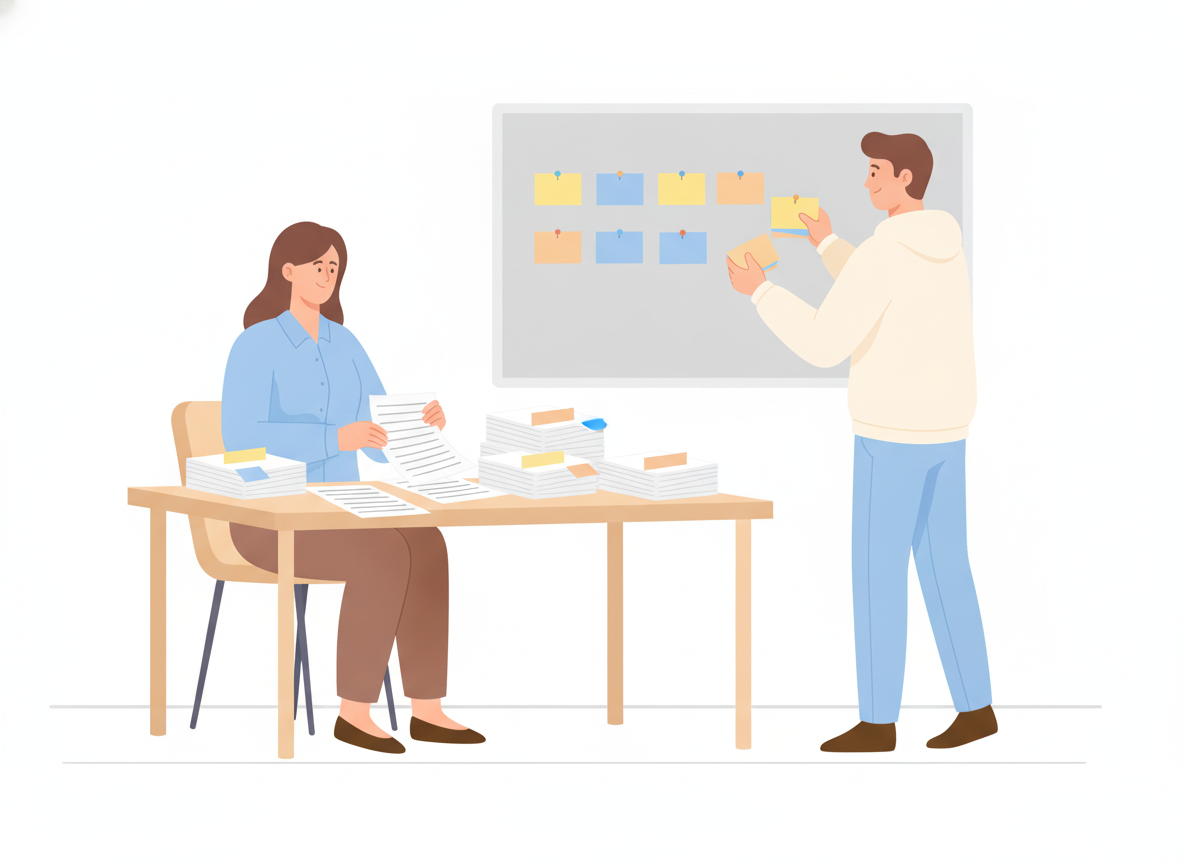
Gather every version of the manual, including old PDFs, Word files, and help text that lives only in support macros. Note which pages support gets asked about most. Those topics go first, and they get the most care.
2. Break chapters into topics
A PDF is organized like a book. An online manual works best as short, self-contained topics, each answering one question: "How do I install the base unit?" or "What does the blinking amber light mean?" If a section covers three tasks, split it into three topics.
3. Build a navigation readers understand
Group topics the way customers think about the product, not the way your org chart does. A common pattern is Getting started, Everyday tasks, Troubleshooting, and Reference. Our guide to documentation structure goes deeper.
4. Rewrite for scanning
Online readers skim. Put the answer first. Use numbered steps for procedures, one action per step. Keep paragraphs short and headings specific. Our guide on how to write a user manual covers this writing style in detail.
5. Add the visuals a page allows
Replace "see Figure 12 on page 48" with the screenshot right where the step happens. Add a short video where motion matters, such as fitting a part or using a gesture.
6. Publish where customers already look
Put the manual on your own domain, link it from your product and your support pages, and make sure it is indexed so search engines can find it. For physical products, a QR code on the device or packaging can take people straight to the right page.
7. Keep it current
Assign an owner to each section and review it with every release. Watch for searches that return nothing and topics with poor feedback. Those are your next edits. If you serve several markets, plan documentation translation as part of this cycle, not as a one-off project.
Digital instructions under the EU Machinery Regulation (2027)
If you make machinery sold in the EU, the move to an online manual is also a compliance question. The new Machinery Regulation (EU) 2023/1230 applies from 20 January 2027, and the European Commission notes that it clarifies when instructions for use can be provided in digital form.
Based on published summaries of the Regulation and the Commission's guidance, digital instructions come with conditions. They include:
- Show how to access them. The machine, its packaging, or an accompanying document must say how to reach the digital instructions. A QR code is a common way to do this.
- Make them printable and downloadable. Users must be able to print, download, and save the instructions.
- Keep them online for the long term. The instructions must stay accessible online for the machine's expected lifetime and for at least 10 years.
- Provide paper on request. If a buyer asks for paper instructions at the time of purchase, the manufacturer must supply them free of charge within one month.
- Keep safety information on paper for consumers. For machinery that non-professional users may use, the safety information they need to put the machine into service and use it safely must still be provided on paper.
This is a summary, not legal advice. Check the Regulation text and your conformity process with a qualified advisor before you rely on it.
For documentation teams, the practical takeaway is simple. An online user manual that is stable, versioned, printable, and easy to reach from a QR code is the foundation these rules expect.
Where Sonat fits
Sonat is built for exactly this move. Your team writes in Google Docs or in Sonat's editor, and Sonat publishes the manual as a searchable, mobile-friendly site on your own domain. Every topic keeps a full version history. Readers can leave feedback on any page. Machine translation covers 184 languages when you need to reach new markets.
You don't need technical skills to set it up, and the Free plan lets you publish your first manual at no cost.
Conclusion
A PDF manual is a snapshot, while an online user manual can keep up with your product. Moving yours means breaking chapters into topics, writing for people who skim, publishing where customers look, and updating it with every release. Your readers get answers faster, your support team gets fewer repeat questions, and if you sell machinery in the EU, you will be ready for digital instructions in 2027.