Content Operations for Documentation Teams: A Practical Guide
- Sonat Team
- 05 Jul, 2026
- 05 Mins read
- Documentation Strategy
Most documentation problems aren’t writing problems. The article exists — it’s just outdated, duplicated in three places, stuck waiting on a reviewer, or impossible to find. As a docs library grows past a few dozen pages, the bottleneck stops being how well you write and becomes how well you run the whole operation.
That’s what content operations is for. This guide explains what content operations means for a documentation team, the building blocks that make it work, and how to put a lightweight version in place without a six-month project. If your docs are starting to feel unmanageable, this is the system that gets them back under control.
What is content operations?
Content operations — sometimes shortened to ContentOps — is the people, processes, and tools that turn scattered document creation into a repeatable system. It covers who creates content, how it’s structured and reviewed, where the authoritative version lives, how it’s published and translated, and how you know whether it’s working.
Writing is one activity inside that system. Content operations is everything around the writing that decides whether a hundred articles stay consistent, current, and findable — or slowly rot.
You don’t need a large team to have content operations. A team of two has content operations too; the only question is whether it’s deliberate or accidental. The goal is to make it deliberate.
Why documentation teams need it
Small doc sets survive on good intentions. Large ones don’t. The failure mode is predictable: content gets produced faster than anyone can maintain it, ownership blurs, and quality quietly slides.
Usability research on large content collections makes the pattern concrete. Libraries where anyone can publish without oversight tend to accumulate far more pages than managed ones — and that sprawl brings duplicate, conflicting, and outdated content with it. More pages is not the same as better documentation; often it’s the opposite.
Content operations is the antidote. It gives you a way to grow the library without growing the chaos: clear ownership so nothing is orphaned, a single authoritative version so readers never hit two contradictory answers, and enough process to keep quality up without slowing everyone to a crawl.
Signs your documentation needs content operations
You rarely decide to “do content operations” out of nowhere — you notice symptoms first. A few reliable ones:
- The same answer appears in several places, and they disagree. Duplication without a source of truth means every update leaves stale copies behind.
- Nobody’s sure who owns a page. When you can’t name the owner of an article, it won’t get maintained.
- Publishing is either a bottleneck or a free-for-all. Everything queues behind one reviewer, or anything ships with no review at all — both are governance gaps.
- Readers keep asking questions the docs already answer. Usually the content exists but isn’t findable or trustworthy enough to rely on.
- A product change means a frantic hunt for every affected page. Without structure and single-sourcing, you can’t tell what a change touches.
If two or three of these sound familiar, the problem isn’t your writers — it’s the operation around them. The good news is that each one maps directly to a building block below.
The building blocks of documentation content operations
A workable content operation rests on five pieces. You can adopt them incrementally, but you eventually need all five.
A single source of truth
Every topic should have exactly one authoritative version, and every other use of it should point back to that source rather than copying it. When a procedure changes, you update it once and every place it appears reflects the change.
Without this, you get the classic documentation trap: the same instruction lives in four articles, someone updates one, and the other three now lie to your users. A documentation platform that stores each topic once — with a full version history you can roll back to — is what makes single-sourcing practical rather than aspirational. Sonat is built around that model.
Structured, reusable content
A single source of truth only pays off if content is structured into pieces you can reuse. Breaking content into adaptable blocks — a standard safety note, a reusable setup step, a shared definition — lets you assemble articles from trusted components instead of rewriting the same paragraph for the tenth time.
Structure also makes content consistent by default. When every “how-to” follows the same shape, readers learn the pattern once and move faster through everything else you publish.

A governance model: who owns what
Someone has to own each part of the library, or no one does. A content-management model is simply a clear set of roles, responsibilities, standards, and guidelines for how and by whom content is produced, published, updated, and retired.
There are three common shapes:
- Centralized — one team owns production and publishing, acting as a gatekeeper. Quality stays high and consistent, but publishing takes longer.
- Distributed — anyone can publish. Content moves fast, but sprawl and staleness creep in without strong standards.
- Hybrid — a central team owns the high-traffic core while subject-matter experts own their corners within shared guidelines. For most documentation teams, this is the sweet spot.
Pick a model on purpose and write it down. The specific choice matters less than having made one everyone understands.
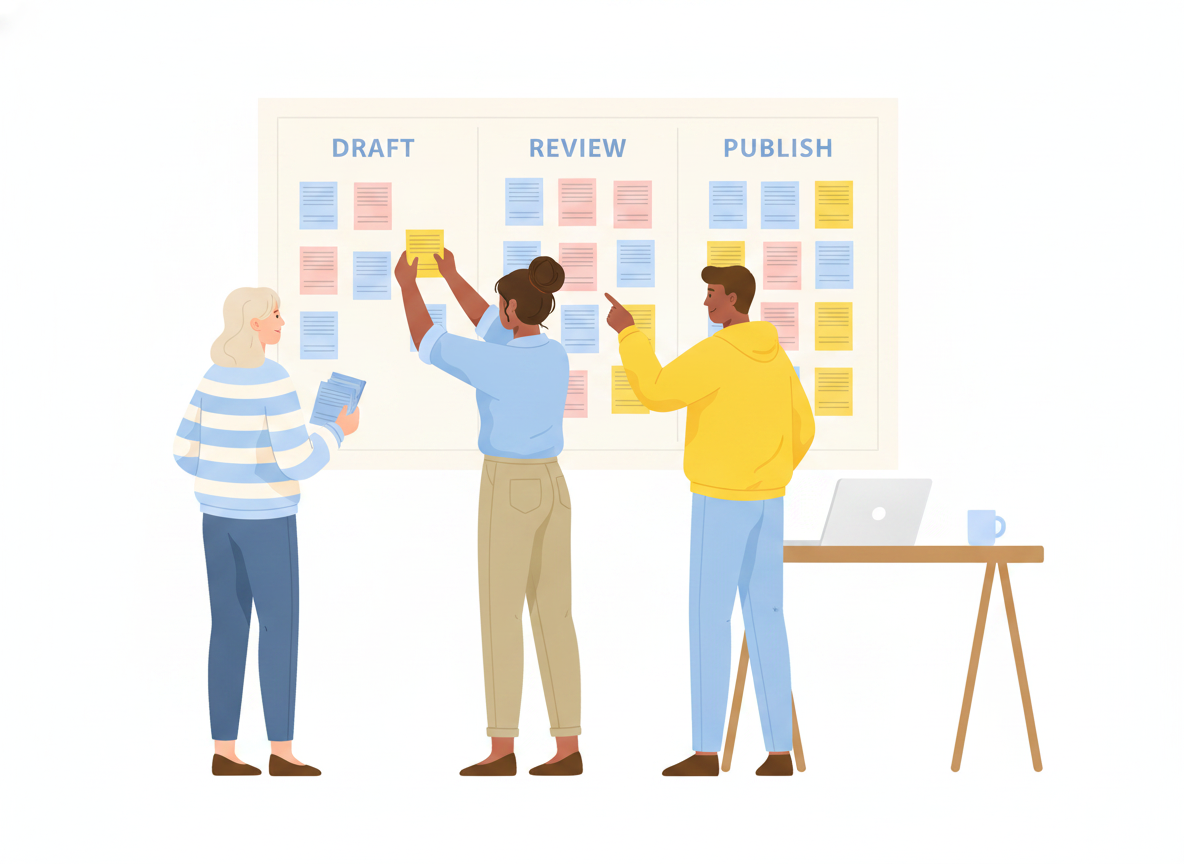
Review and publishing workflows
Governance needs teeth. Review workflows are how standards actually get enforced: the right person signs off before a change goes live. The trick is to match the review weight to the risk — a native-speaker or compliance review for sensitive pages, a light touch for a typo fix — so process protects quality without becoming a tax on every edit.
Approval workflows that let you set who reviews what, in sequence or in parallel, are what keep a hybrid model from sliding into a free-for-all.
Localization and analytics
Two pieces are easy to defer and expensive to bolt on later.
Localization should ride on the single source of truth: translate a topic as a version of the original so, when the source changes, you know exactly which translations went stale. Wiring this in from the start beats retrofitting it across a thousand pages.
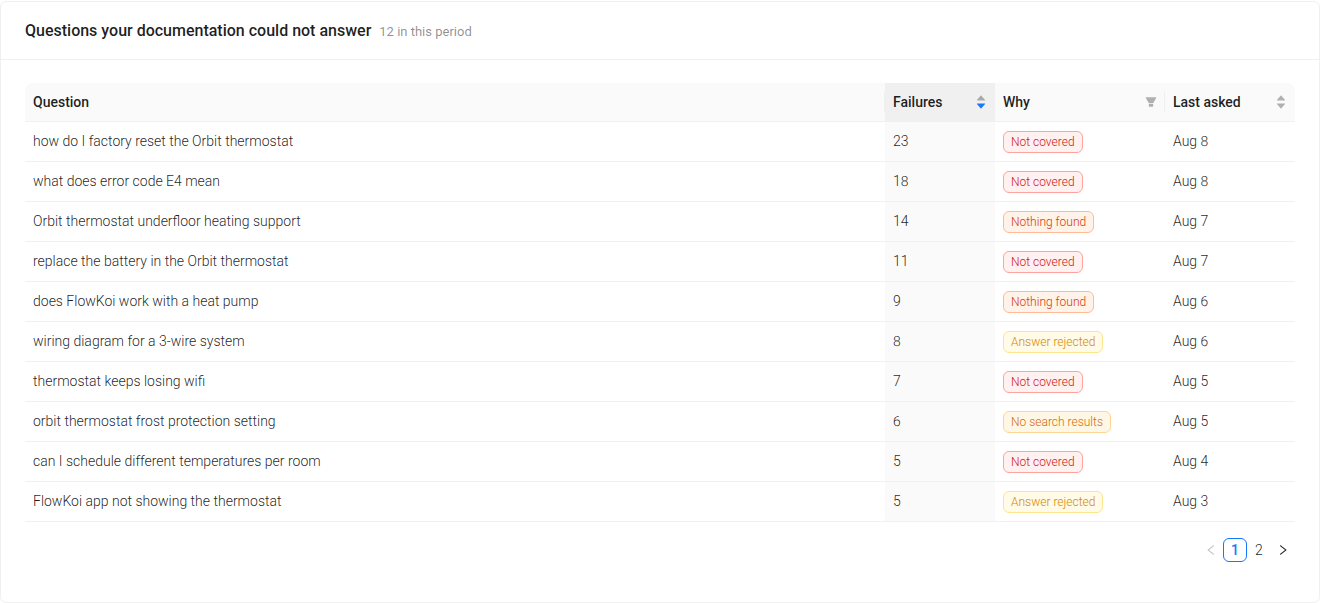
Analytics close the loop. Content operations without measurement is just publishing with extra steps. Watch what readers search for and don’t find, which pages get traffic, and where they drop off — then let that data drive what you write, update, or retire next.
How to start without boiling the ocean
You don’t need to stand up all five pillars at once. A pragmatic sequence:
- Inventory what you have. List every article and mark the outdated, duplicate, and orphaned ones. You’ll usually find you have fewer real articles than you thought — and a maintenance backlog you didn’t.
- Assign an owner to every page. Ownership is the cheapest, highest-impact move. Nothing should be unowned.
- Pick a governance model and write down your standards. Centralized, distributed, or hybrid — decide, and document who publishes and how.
- Turn on review where risk is high. Start with sensitive content; expand only if it’s clearly worth it.
- Instrument and iterate. Add analytics, watch the signals, and let real usage set your priorities.
Each step delivers value on its own, so you’re never stuck waiting for a big-bang rollout.
Bringing it together
Content operations is what separates a documentation set that scales from one that sprawls. The core ideas are simple: one source of truth, structured and reusable content, a governance model with clear ownership, review that matches risk, and localization and analytics wired in from the start. Put even a lightweight version in place and your docs stop fighting you as they grow.
If you’d rather run all of that in one place instead of stitching tools together, Sonat is built for it — single-source topics with full version history, reusable structure, roles and approval workflows, built-in translation, and analytics that show you what to fix next. That’s content operations you can actually maintain, not just diagram.
Related Articles
Content Gap Analysis for Documentation: Find What Your Docs Couldn't Answer
Your readers already told you what's missing. A practical guide to content gap analysis for documentation — how to find the questions your docs failed, why 'unanswered' is four different problems, and how to fix each one.

The Best Google Docs Alternative for Documentation Teams
Picture this: it's the 70s and 80s, and the world is just getting a taste of what typing on a computer could be like. No more typewriters, just basic text…

Develop a Comprehensive Documentation Plan: A Step-by-Step Guide
In the field of project management, effective communication and collaboration are important. Documentation stands at the core of these essentials, acting as…

