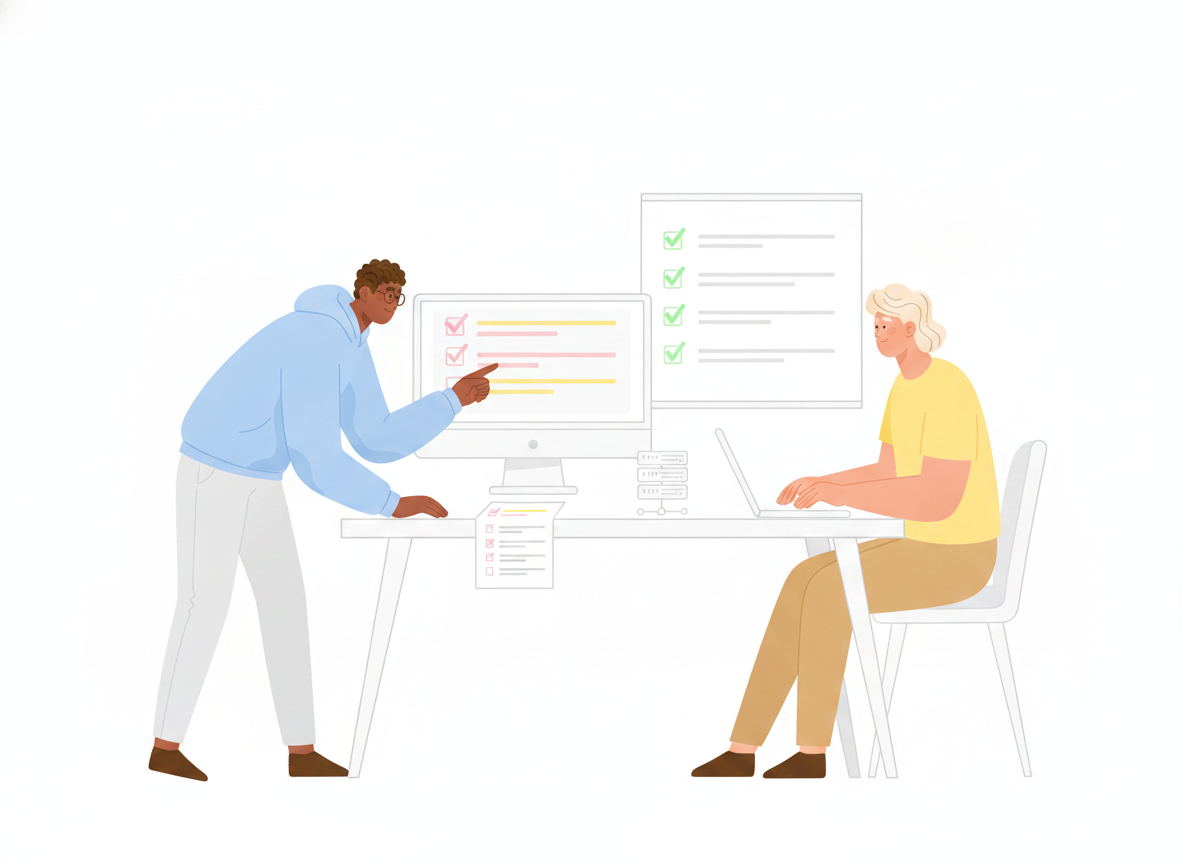
How to Write a Runbook That Prevents Downtime
- Sonat Team
- 16 Jul, 2026
- 06 Mins read
- IT Documentation
It’s 2 a.m. A payment service is throwing errors, an alert is paging the on-call engineer, and the one person who knows how to restart it cleanly is asleep and unreachable. The engineer starts guessing. That guess is where most outages get longer and more expensive than they needed to be.
A good runbook removes the guessing. It turns “I think you restart the queue first” into a numbered, tested procedure anyone on the team can follow at 2 a.m. This guide covers what a runbook is, how it differs from a playbook, what a strong one contains, and how to keep it trusted long after you write it.
What is a runbook?
A runbook is a documented, step-by-step procedure for completing a specific, repeatable IT task — restarting a service, rotating a certificate, failing over a database, or onboarding a new server. It tells the reader exactly what to do, in order, with the commands and checks spelled out.
The point is repeatability. If a task has to be done the same way every time, and done correctly under pressure, it belongs in a runbook. Runbooks are the practical backbone of IT documentation: they capture the operational knowledge that usually lives in one engineer’s head and make it available to the whole team.
Runbook vs. playbook vs. SOP
These three terms get used interchangeably, which causes real confusion when a team tries to standardize. Here’s a clean way to separate them.
- Runbook — a precise procedure for a known, specific task. “How to restart the billing worker.” There is a right answer, and the runbook is it.
- Playbook — higher-level guidance for a broader situation where judgment is still required. “How to respond to a suspected data breach.” A playbook points to decisions and may reference several runbooks.
- SOP (standard operating procedure) — a formal, often compliance-driven document describing how a process should be carried out across a team or organization. SOPs tend to be broader and more policy-oriented than a single runbook.
A simple rule: if you could hand it to a capable new hire and expect them to complete the task correctly by following it literally, it’s a runbook. If it requires them to weigh options and decide, it’s closer to a playbook.
Why runbooks are worth the effort
Runbooks are not documentation for its own sake. They protect uptime, and the evidence is hard to argue with.
The Uptime Institute’s outage research consistently finds that human error is behind a large share of serious outages — and that most of those human-error incidents trace back to the same root cause: staff not following procedures, or procedures that were inadequate in the first place. In its recent analysis, roughly 85% of human-error outages stemmed from people failing to follow the procedures that were in place or from flaws in those procedures, and nearly 40% of organizations reported suffering a major human-error outage over a three-year period.
Read that again: the failure is rarely a lack of skill. It’s a lack of a clear, correct, followable procedure at the moment it’s needed. That is exactly the gap a runbook fills.
Site reliability engineering practice points the same direction. Google’s SRE guidance describes on-call playbooks — high-level instructions for responding to alerts — as a way to reduce stress, mean time to repair (MTTR), and the risk of human error during an incident. Thinking a response through in advance, and writing it down, beats improvising every time.
What goes in a good runbook
A runbook doesn’t need to be long. It needs to be complete for one task. Use this structure as a template — most strong runbooks include some version of every section below.
- Title and purpose — the specific task, in plain language. “Restart the billing worker after a queue backup.”
- When to use it — the trigger. Which alert, symptom, or request sends someone here, and when not to use it.
- Owner and last-reviewed date — who maintains this and when it was last confirmed accurate.
- Prerequisites — access, permissions, tools, and any warnings to read before starting.
- The steps — numbered, in order, each one a single action. Include the exact command, the expected result, and how to confirm it worked.
- Verification — how to know the task actually succeeded and the system is healthy again.
- Rollback — what to do if a step fails or makes things worse.
- Escalation — who to contact, and how, if the runbook doesn’t resolve the issue.
The most common failure is a step that assumes context. “Restart the service” is not a step; “run systemctl restart billing-worker and confirm the status returns active (running)” is. Write for the tired stranger, not for the author.
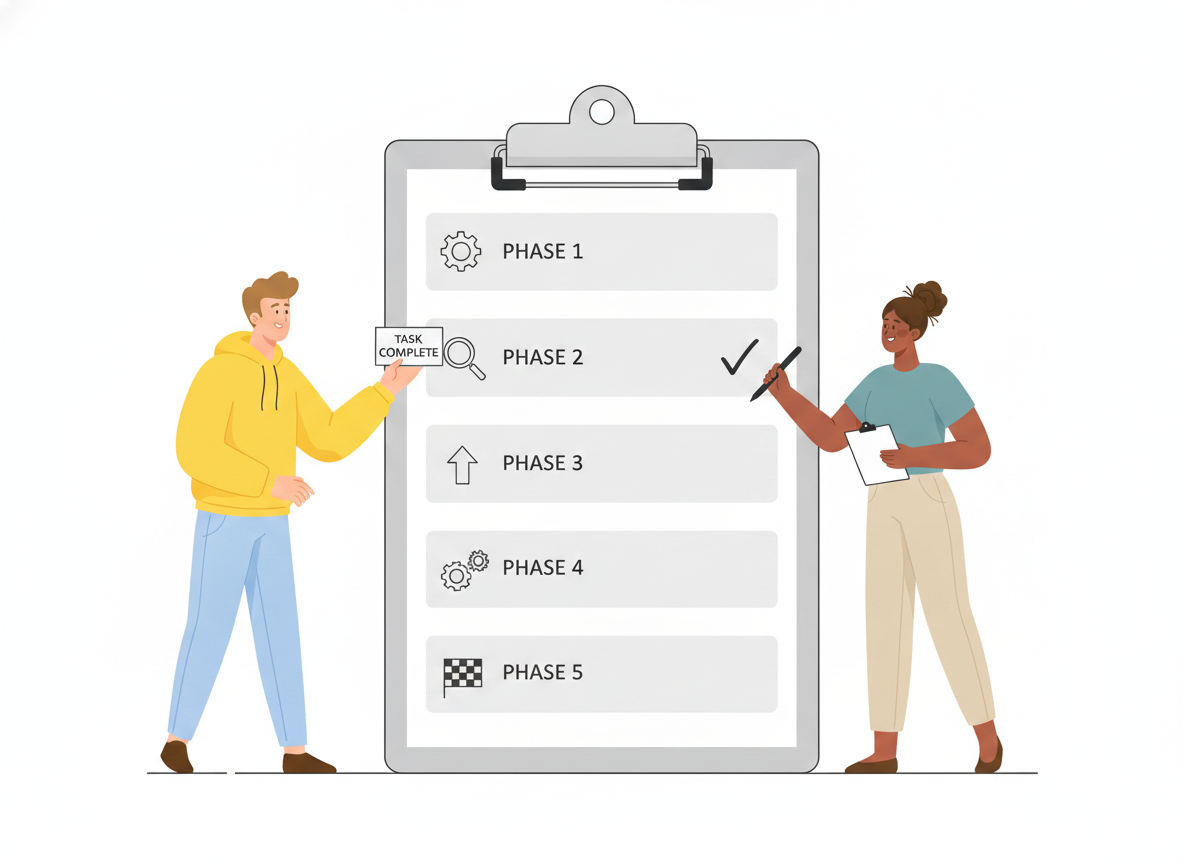
How to write a runbook, step by step
- Pick one task with a clear boundary. Start with your most frequent or highest-risk procedures — the ones people already ask about in chat. One runbook, one task.
- Do the task and capture every step. Walk through it live and write down each action as you take it, including the parts you normally do from memory. Those are the steps people get wrong.
- Write commands to be copied, not retyped. Keep them exact and copy-pasteable. A command a reader has to reconstruct is a command they’ll fumble under pressure.
- Add the checks between steps. After each action, state what the reader should see. This is what stops someone from charging ahead when something has already gone wrong.
- Test it on someone who didn’t write it. Hand the draft to a teammate and have them follow it literally, without helping. Every place they pause or ask a question is a gap to fix.
- Publish it where people work. A runbook nobody can find during an incident might as well not exist. It has to be searchable and reachable in seconds.
Runbook best practices: keep it trusted and current
Writing the runbook is the easy part. Keeping it accurate is where most teams lose the thread — and a runbook people don’t trust is one they’ll ignore.
- Treat staleness as the main risk. SRE teams note that playbooks and runbooks go out of date at the same rate the production environment changes; for teams that ship daily, that can mean a runbook needs a look on any given day. Put a last-reviewed date on every runbook and revisit it on a schedule.
- Update after every incident. When a runbook sends someone down the wrong path during a real event, fix it while the memory is fresh. Your postmortems are your best source of runbook edits.
- Keep one source of truth. Copies in chat threads, personal notes, and old wiki pages drift apart and contradict each other. Maintain one canonical version and point everyone to it.
- Automate the deterministic parts. When a runbook becomes a fixed list of commands the on-call engineer runs the same way every time, that’s a strong candidate for runbook automation — script the safe, repetitive steps so the human focuses on judgment. Automate the low-risk actions first.
- Make it readable. Short steps, plain language, consistent formatting. A runbook is read by a stressed person in a hurry, not studied at leisure.
Where your runbooks should live
The best-written runbook fails if it’s scattered across personal docs and half-remembered wiki links. Runbooks need a single, searchable home where they can be organized, kept current, and trusted as the canonical version.
This is where a purpose-built documentation platform earns its place. Sonat gives IT and operations teams one home for their runbooks: a structured, wiki-style layout so related procedures sit together, full-text search so the right runbook surfaces in seconds during an incident, and a complete version archive so you can see what changed and restore an earlier version if a step turns out to be wrong. Review and approval workflows keep procedures accurate before they go live, private access controls keep sensitive runbooks internal, and one-click publishing means the current version is always the one your team sees. Instead of documentation that quietly rots, you get a living reference the whole team can rely on when it matters most.
Start with one runbook
You don’t need a documentation program to begin — you need one good runbook. Pick the task your team fumbles most often, write it down step by step, test it on someone who’s never done it, and publish it where people can find it. Then do the next one.
Runbooks prevent downtime because they replace a guess at 2 a.m. with a procedure that has already been thought through and proven. That’s the whole idea: decide once, when it’s calm, so no one has to decide alone when it isn’t.
Related Articles

Runbooks: A Practical Guide to Repeatable IT Operations
What IT runbooks are, what to put in one, and how to write a runbook your team will actually use — then keep it current so on-call stops relying on memory and heroics.

IT Runbooks: How to Document Operations Anyone on Your Team Can Run
A practical guide to writing IT runbooks your whole team can follow under pressure — what belongs in one, how to structure it, and how to keep it current.

IT Documentation: A Practical Guide to Fewer Tickets
A practical best-practices guide to IT documentation — runbooks, internal wikis, onboarding docs, and SOPs — that helps teams cut repeat support tickets and resolve incidents faster.

