
AI user manual generator
An AI user manual generator that waits for approval.
Tell Sonat what your product does, or import what you have. The assistant writes the topics of your user manual, and you approve each change.
Free plan. 300 AI credits to start.
PX-200 User Manual
6 of 6 topics- Before you start Approved
- Mount the controller Approved
- Wire the sensor Approved
- First setup Approved
- Error codes Approved
- Maintenance Approved
Assistant
updated 3s ago- Read Installation_guide_v3.docx done
- Proposed 6 topics done
- Drafted 6 topics done
- Wrote a summary for you done
What changed
Added 6 draft topics. One question: your file names two screw sizes for the wall bracket. Which is right?
How it works
From your material to an approved user manual.
You decide what goes live at every step.
-
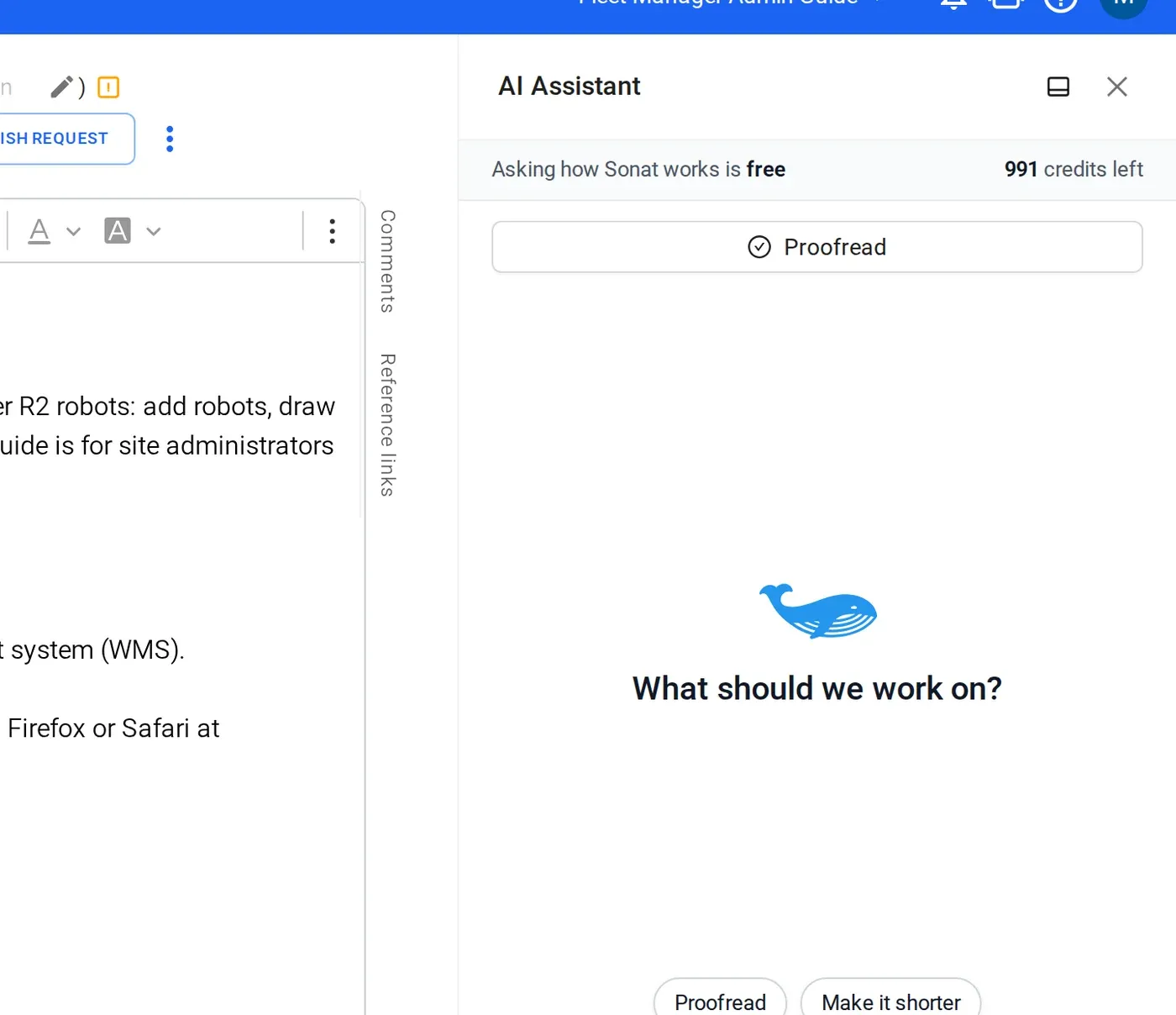
1 Ask the assistant to draft
Ask for a user manual, or for one chapter. It proposes an outline as a topic tree. Rename, reorder or drop topics before anything is written.
-
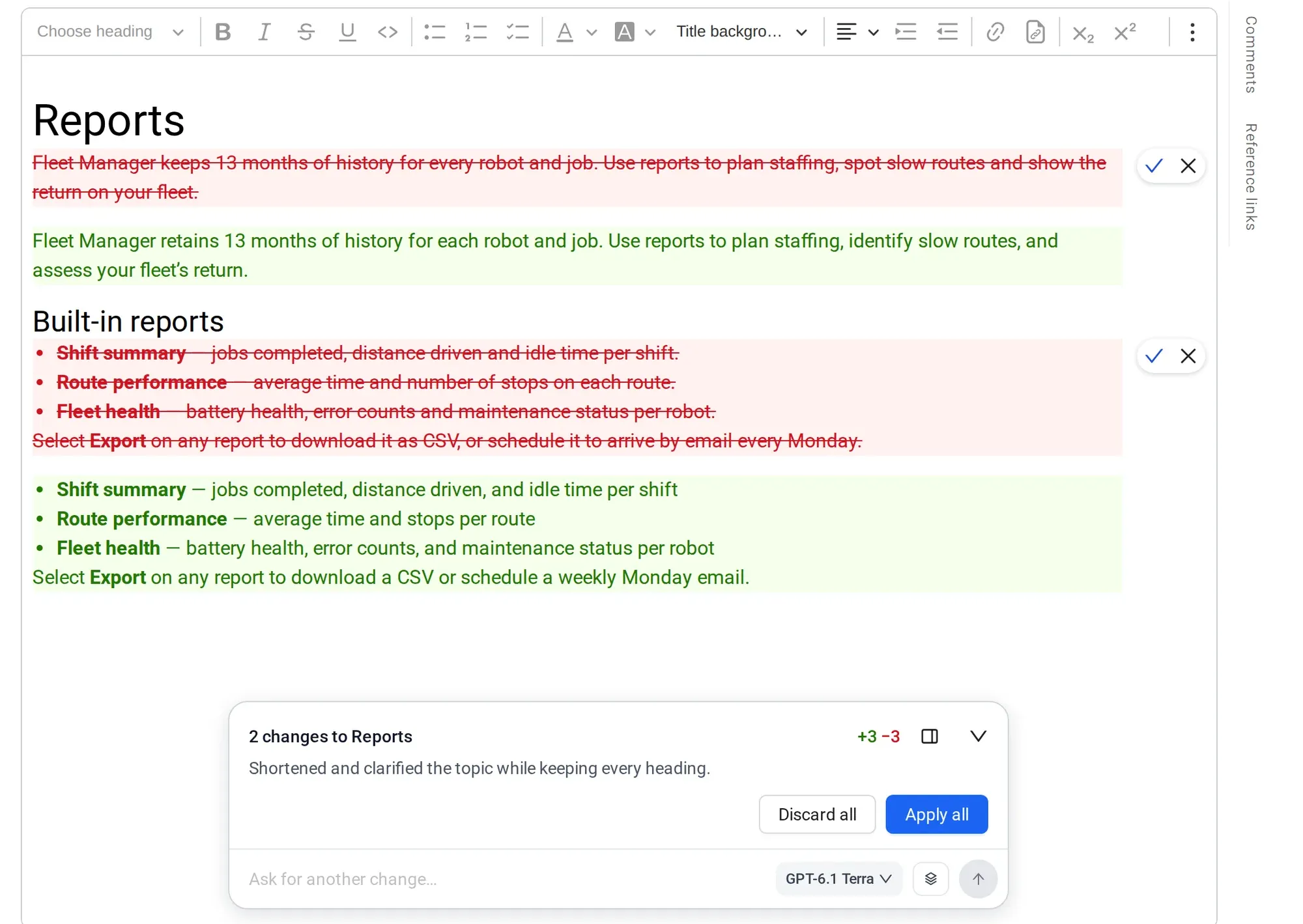
2 Review what changed before it applies
It writes each topic from your material, asks when your sources don't say, and shows every step. Read what changed, edit anything, then approve.
-
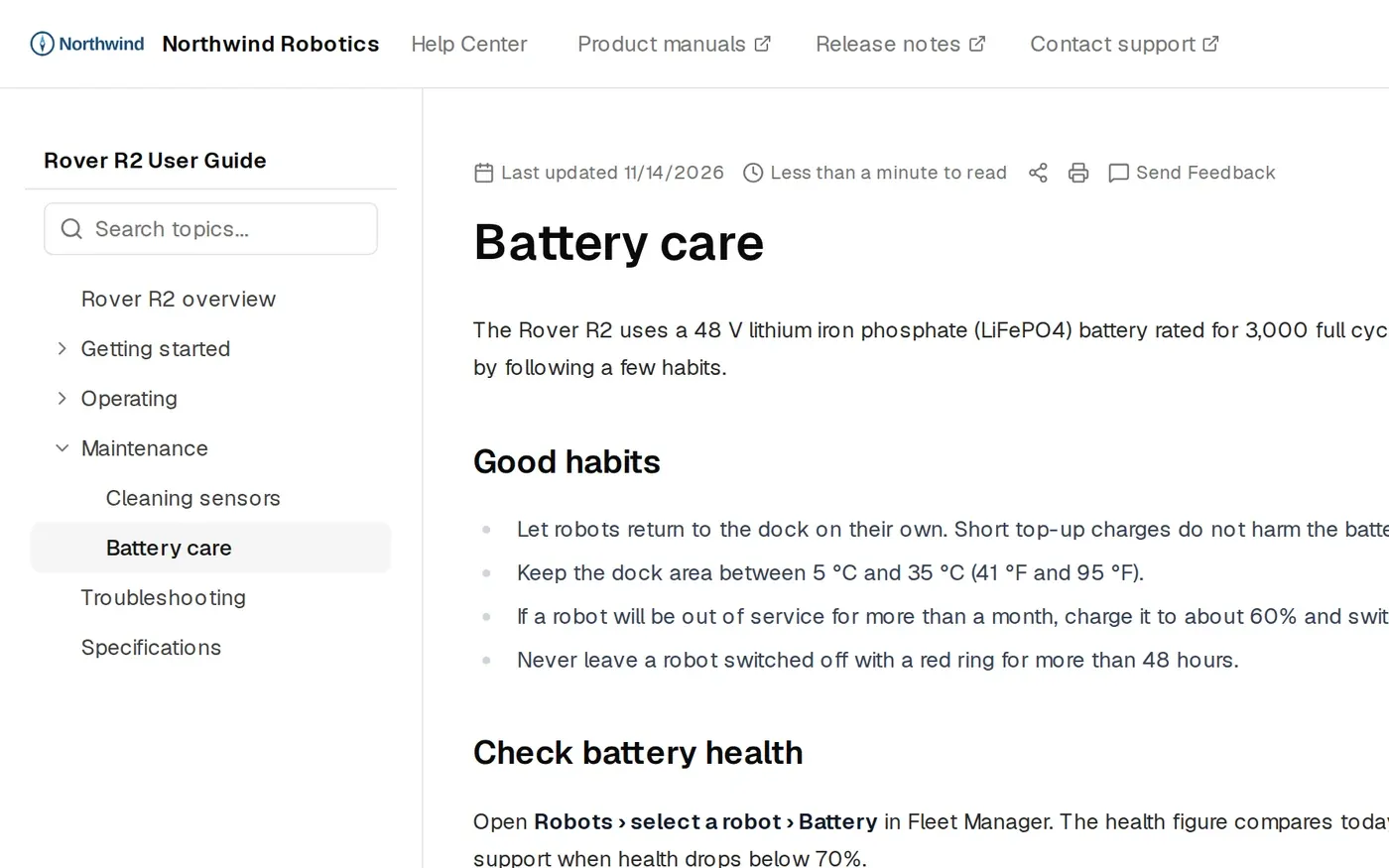
3 Publish as a web manual and a PDF
Drafts stay private until you publish. Readers get a web manual, a PDF and search with cited answers.
The details
What you get
- Topics in a tree
- A structured user manual you can keep editing in the editor.
- Approval
- The assistant shows its steps and a summary of what changed first. Nothing goes live until you approve and publish it.
- AI credits
- Every plan includes them, Free too. Free: 300 once. Team: 500 a month. Business: 1,000 a month.
- On every plan. It rebuilds about 10 minutes after you publish, and readers can download it.
- Cited answers
- Readers search and get an AI answer with links to the source page. Team and above.
- Version history
- Every published change is kept, so you can go back.
- The full method
- Read how to write a user manual with AI, step by step.
Manuals published with Sonat by





Bring one chapter. See it as a manual.
Send us a chapter of your current manual. We'll show it back as a searchable Sonat manual.
FAQ
AI user manual generator questions
Is the AI user manual generator free?
Yes, you can start on the Free plan. It includes 300 AI credits once. Team includes 500 credits a month and Business 1,000 a month. See pricing.
Which sources can I start from?
Word files, web pages and Google Docs, or a short description of your product. Drafting from PDF files is not available yet.
Will the AI make things up?
It writes from the material you give it, and it asks you when your sources don't say something. No AI is perfect, which is why nothing goes live until you approve and publish it.
Does it write in my style?
It follows the material and the instructions you give it. Tell it your tone, terms and rules, and edit any topic by hand.
Can I edit everything it writes?
Yes. Every topic is a normal page in the editor. Change the text, ask the assistant to rewrite it, or delete it.
Does it generate a whole manual in one click?
No. The assistant proposes topics and drafts them with you, so you can check each one. That is slower than one click, and much safer for a manual people rely on.
What happens after the first draft?
You publish to the web and PDF. Readers search with cited AI answers, and the questions your manual couldn't answer become a list of what to write next.