
Import
Import Word, Google Docs and web pages into a manual.
Bring the manual you already have and turn it into an online manual readers can search. Your headings become topics.
Before you start
Mount the controller
Wire the sensor
First setup
Error codes
PX-200 User Manual
5 of 5 topics- Before you start Draft
- Mount the controller Draft
- Wire the sensor Draft
- First setup Draft
- Error codes Draft
5 topics created as drafts. Nothing is published yet.
How it works
From a file to a manual readers can search.
Bring the manual you have. Your headings become topics.
-
1 Bring in what you have
Pick the way in that matches where your content lives today: a Word file, a web page, or Google Docs. Your structure carries over.
-
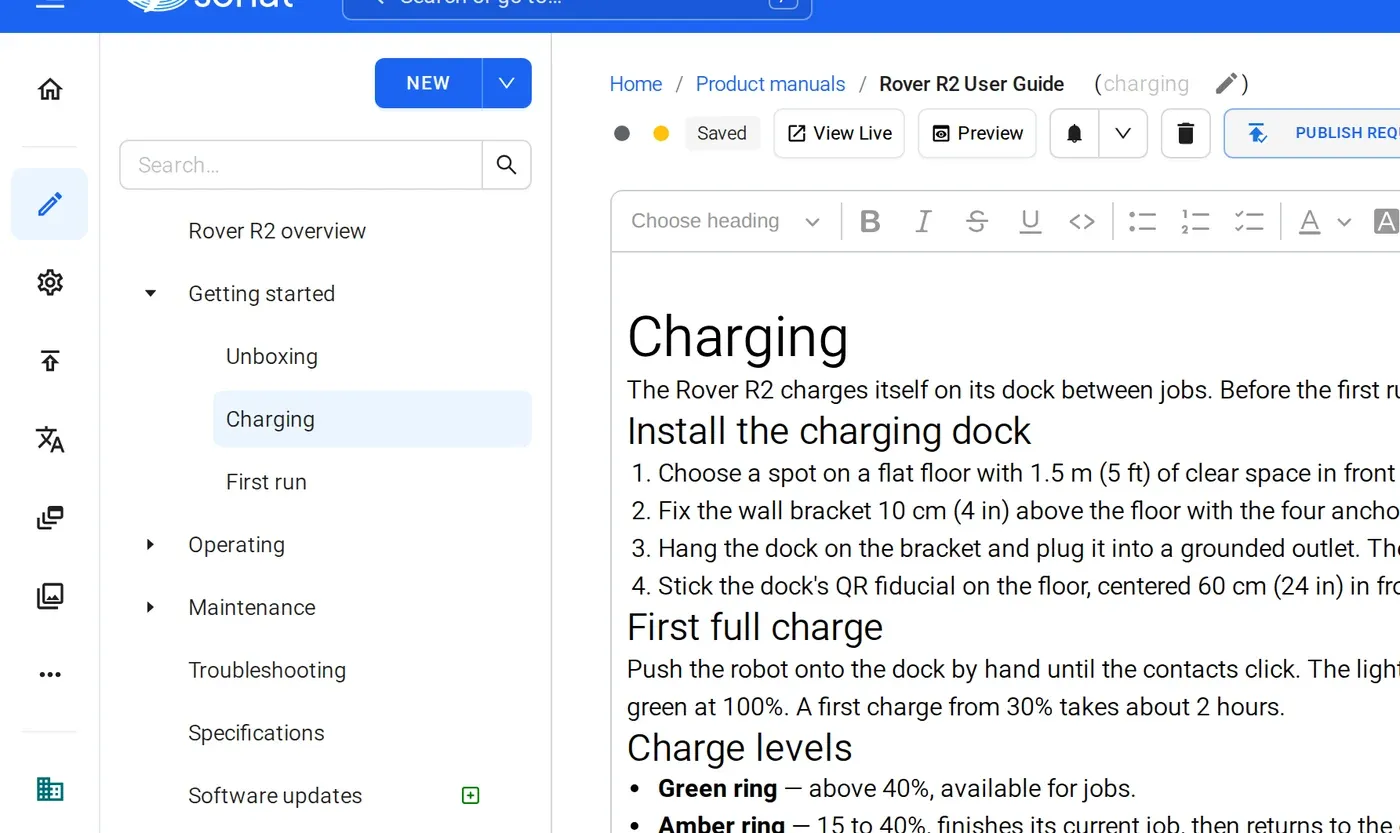
2 Tidy up in the editor
Imports land as drafts. Check tables, images and any custom styles. Ask the assistant to split long topics, merge short ones, or rename titles in your readers' words, and approve each change.
-
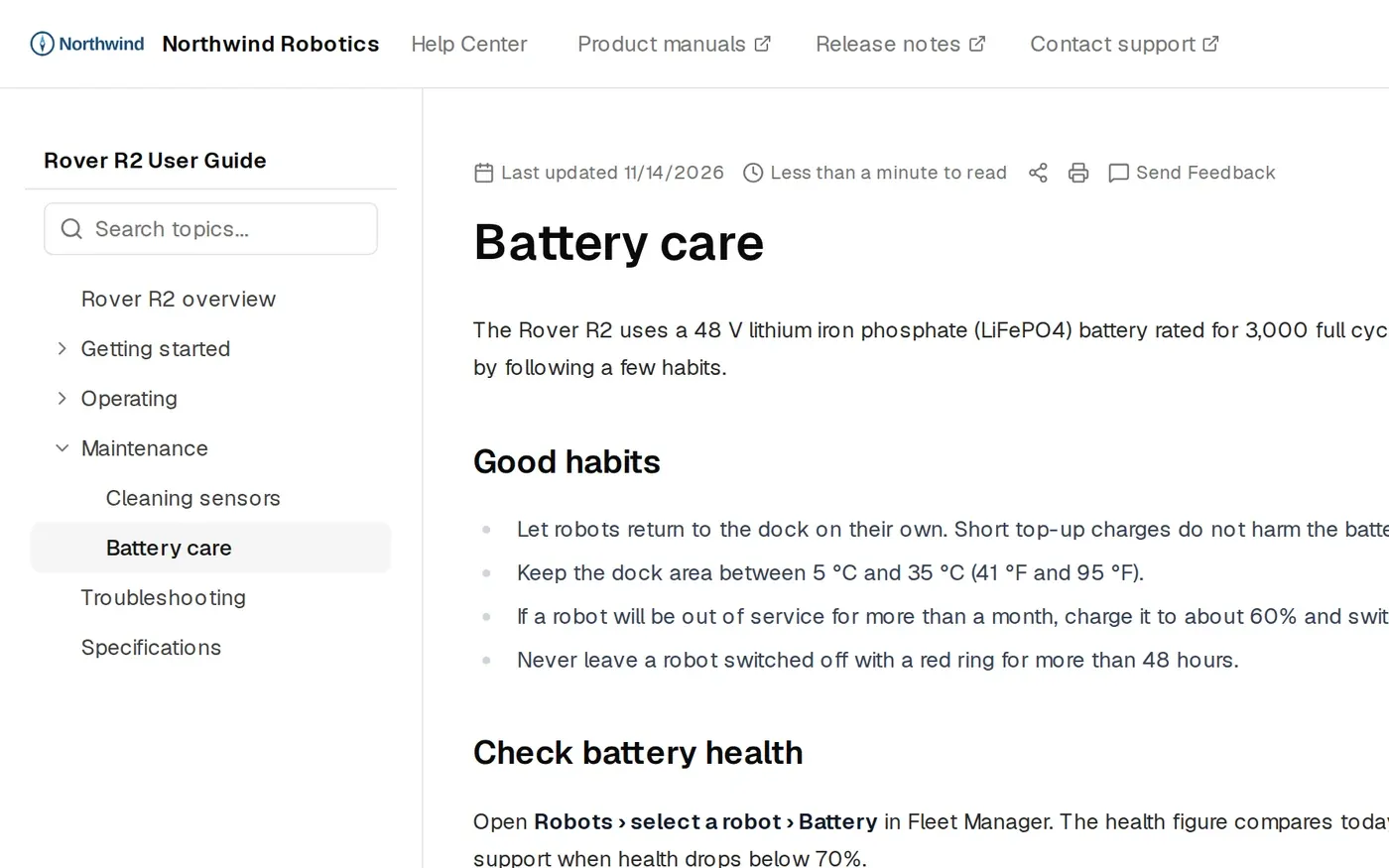
3 Publish a manual readers can search
Readers see nothing until you publish. Then one import gives you a web manual, a PDF and search.
The details
What carries over
- Word files
- Upload a .docx file. Sonat splits it at the headings, so each section becomes a topic in your tree.
- Web pages
- Paste the address of a page from your website or old help site. Its text and headings come in as a draft topic, so you can move an old help site page by page.
- Google Docs and Drive
- Connect Google Drive and pick the docs. Sonat syncs them into topics, so Docs stays your source. See Google Docs sync.
- Drafts
- Imports land as drafts. Nothing is published until you say so.
- After import
- The assistant shows each step and a summary of what changed. You approve before anything is kept.
- AI credits
- The assistant uses AI credits. Free: 300 once. Team: 500 a month. Business: 1,000 a month.
Manuals published with Sonat by





Send us a chapter. We'll import it.
Share one chapter of your Word manual or one page of your help site. We'll show it back as a Sonat manual.
FAQ
Import questions
Which formats can I import into Sonat?
Word files (.docx), public web pages, and Google Docs through the Google Drive connection.
How do I convert a Word document into an online manual?
Upload the .docx file. Sonat splits it at the headings into topics, as drafts. Review them, tidy them with the assistant if you like, and publish.
Can I import a PDF?
Not yet. For now, use the Word file the PDF was made from, or a web version of the same content.
Can I publish Google Docs as a help center?
Yes. Connect Google Drive, pick your docs, and Sonat syncs them into topics you publish as a manual or help center. Your team keeps writing in Docs.
Can I import from Zendesk, Intercom or Confluence?
There is no direct importer for those tools. Public help center pages can be imported as web pages, one page at a time.