
PDF export
A print-ready PDF of your manual, rebuilt on publish.
Export your user manual to PDF without a second copy to maintain. Readers download a PDF that matches the web version.
On every plan, free. Turn it on per document.
Sound familiar?
The web manual changed. The PDF did not.
Someone exports the PDF by hand, so it falls behind the web. And readers keep the old one.
Nobody knows which PDF is current.
Someone exported it by hand last spring. Three versions now live in inboxes and on a shared drive.
Technicians work offline.
Field staff and installers read on site, where there is no signal. They need a file they can carry.
Customers still ask for a printed copy.
Machines ship with a binder. From January 2027 the EU Machinery Regulation lets makers ship digital instructions, but a paper copy must be free on request.
With Sonat: publish once, the PDF follows
- Web manual
- PDF, about 10 min later
- Deutsch PDF
- Download button
One manual. The web page and the PDF always match.
How it works
Publish once. The PDF follows.
The PDF is built from the same topics as the web manual, so there is no second copy to maintain.
-
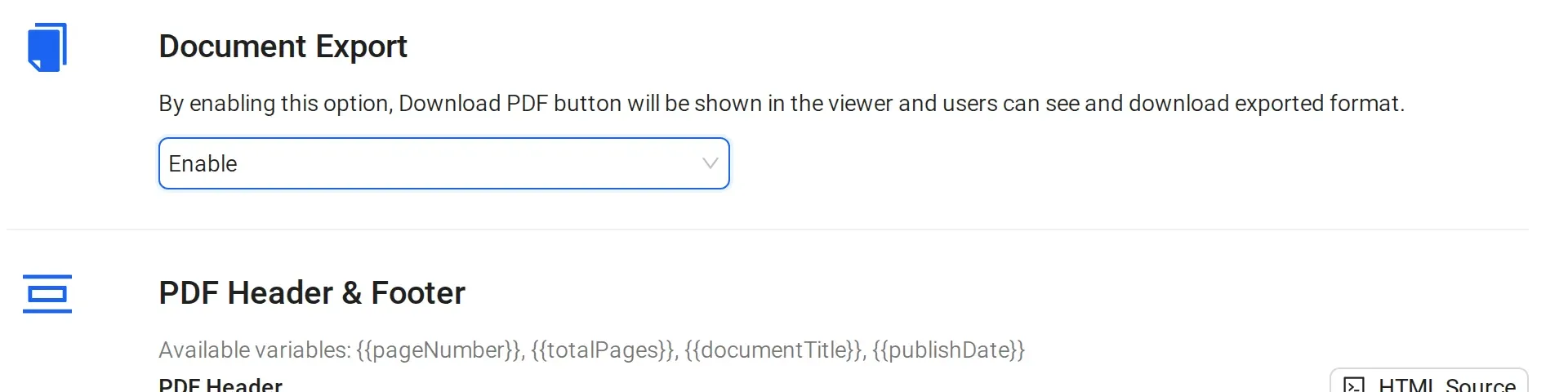
1 Turn on Download PDF
Turn on PDF export and the download button for a document. It is on every plan.
-
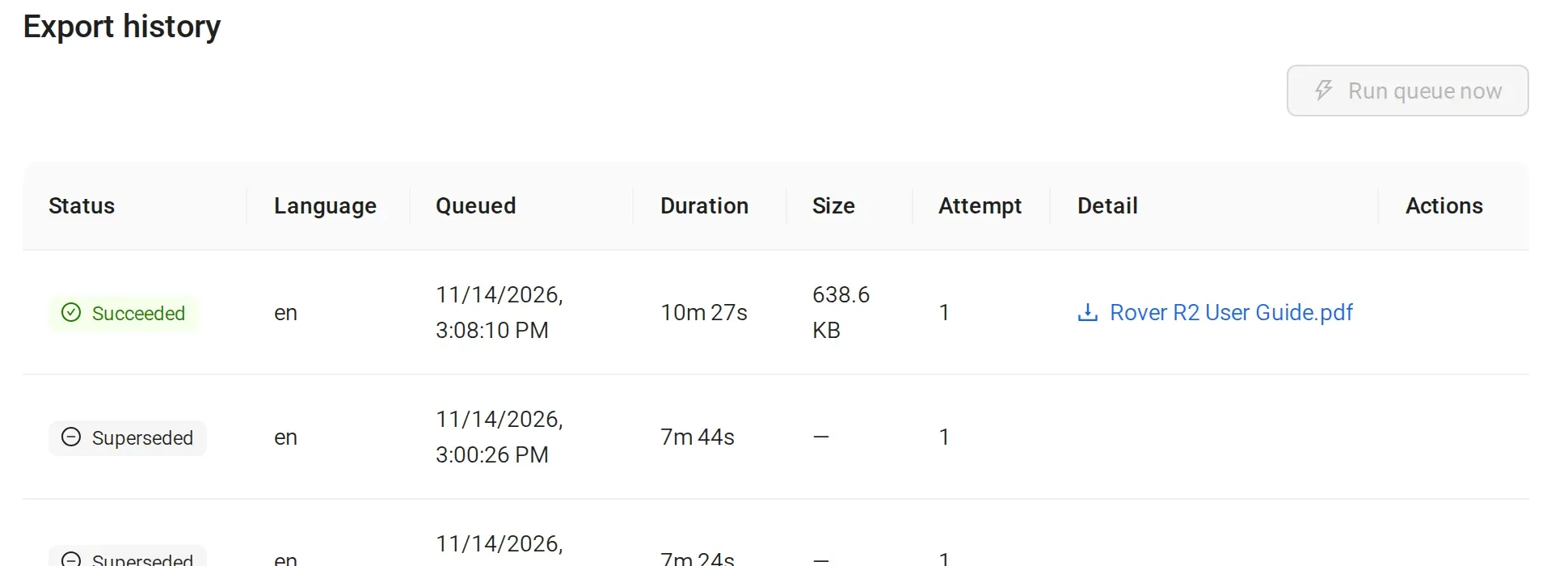
2 Publish as usual; one PDF per language
Sonat rebuilds the PDF in the background, about 10 minutes after you publish. Each document and each language version gets its own PDF.
-
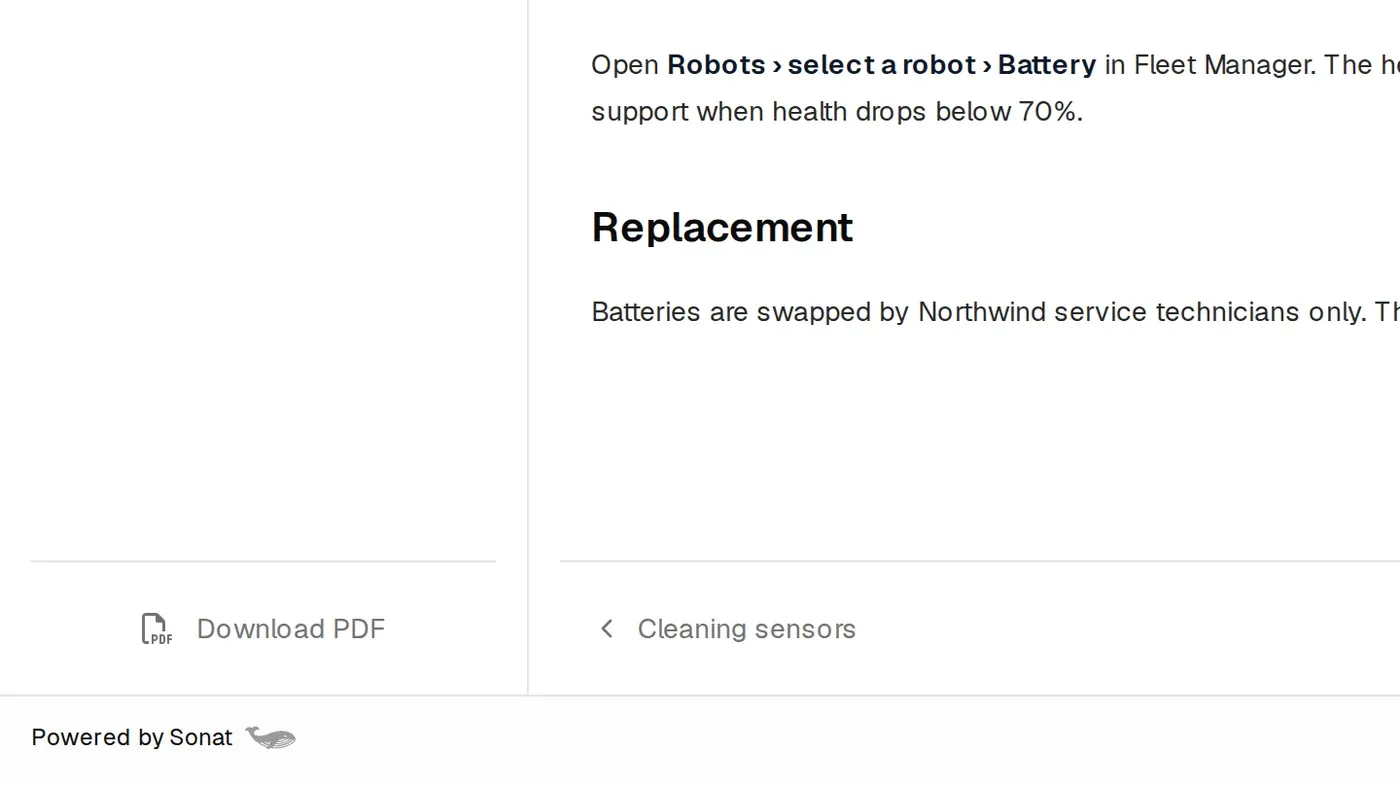
3 Readers download it
Readers save the current PDF from your docs site to read offline, print or attach to a work order.
Inside the PDF
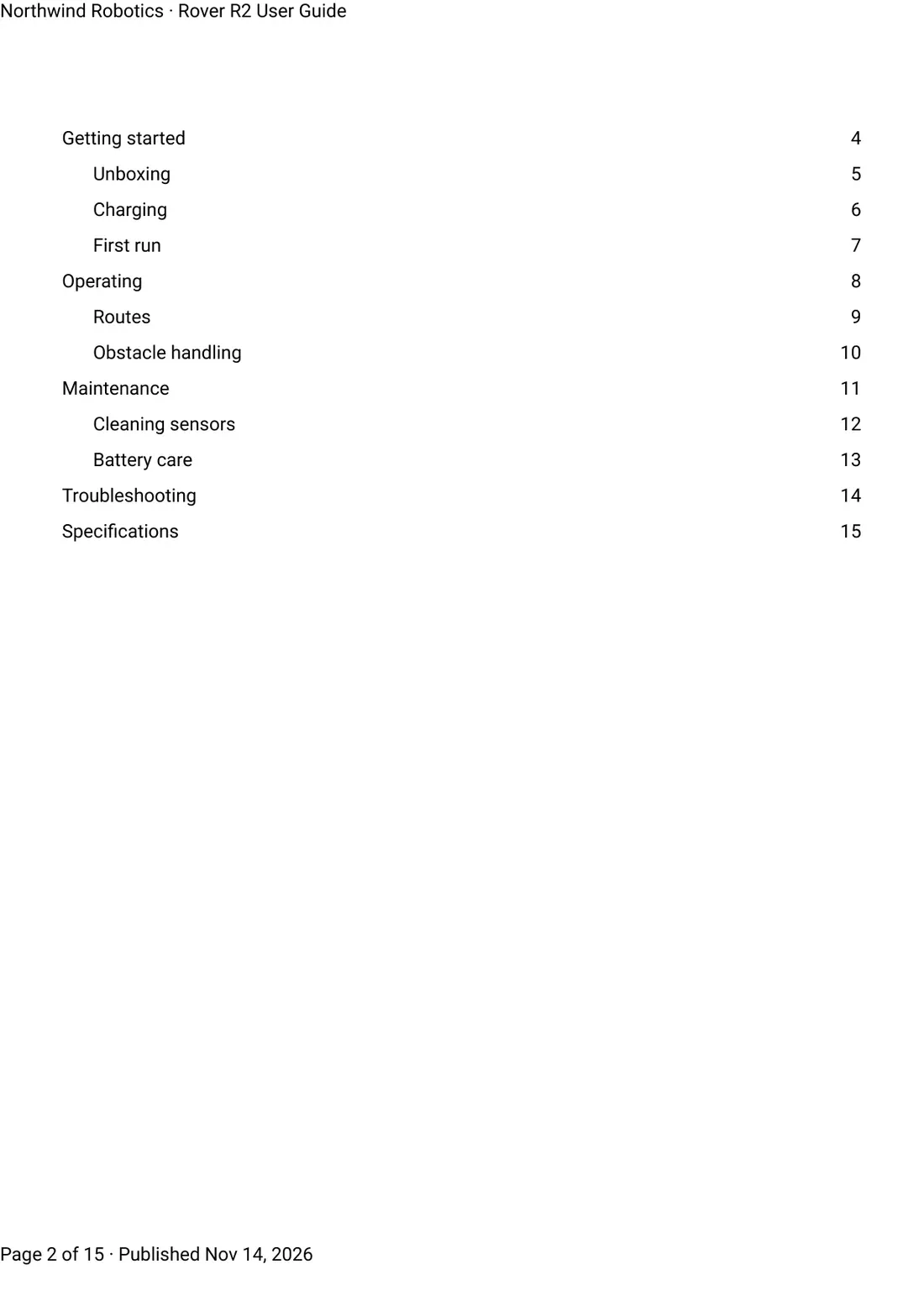
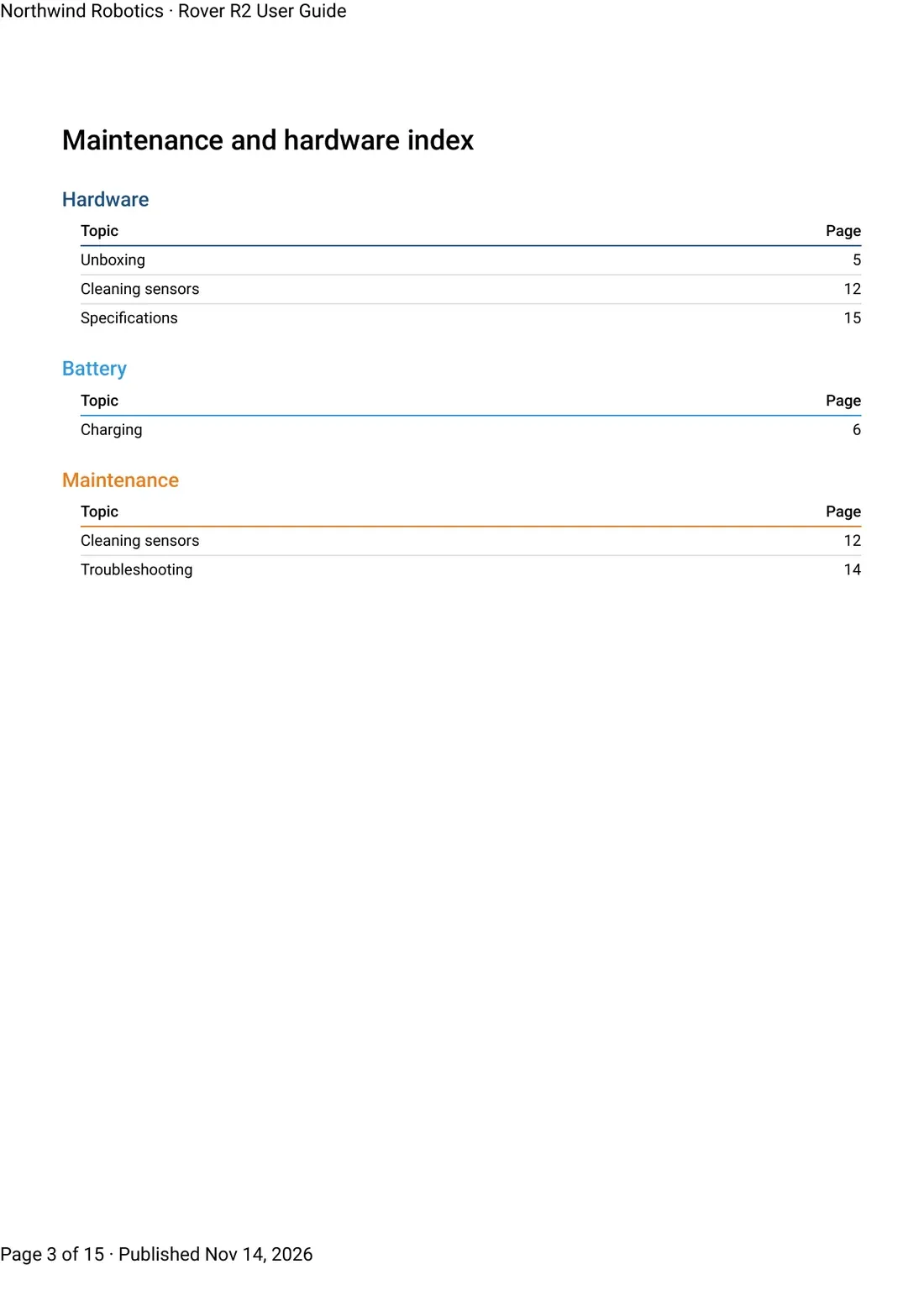
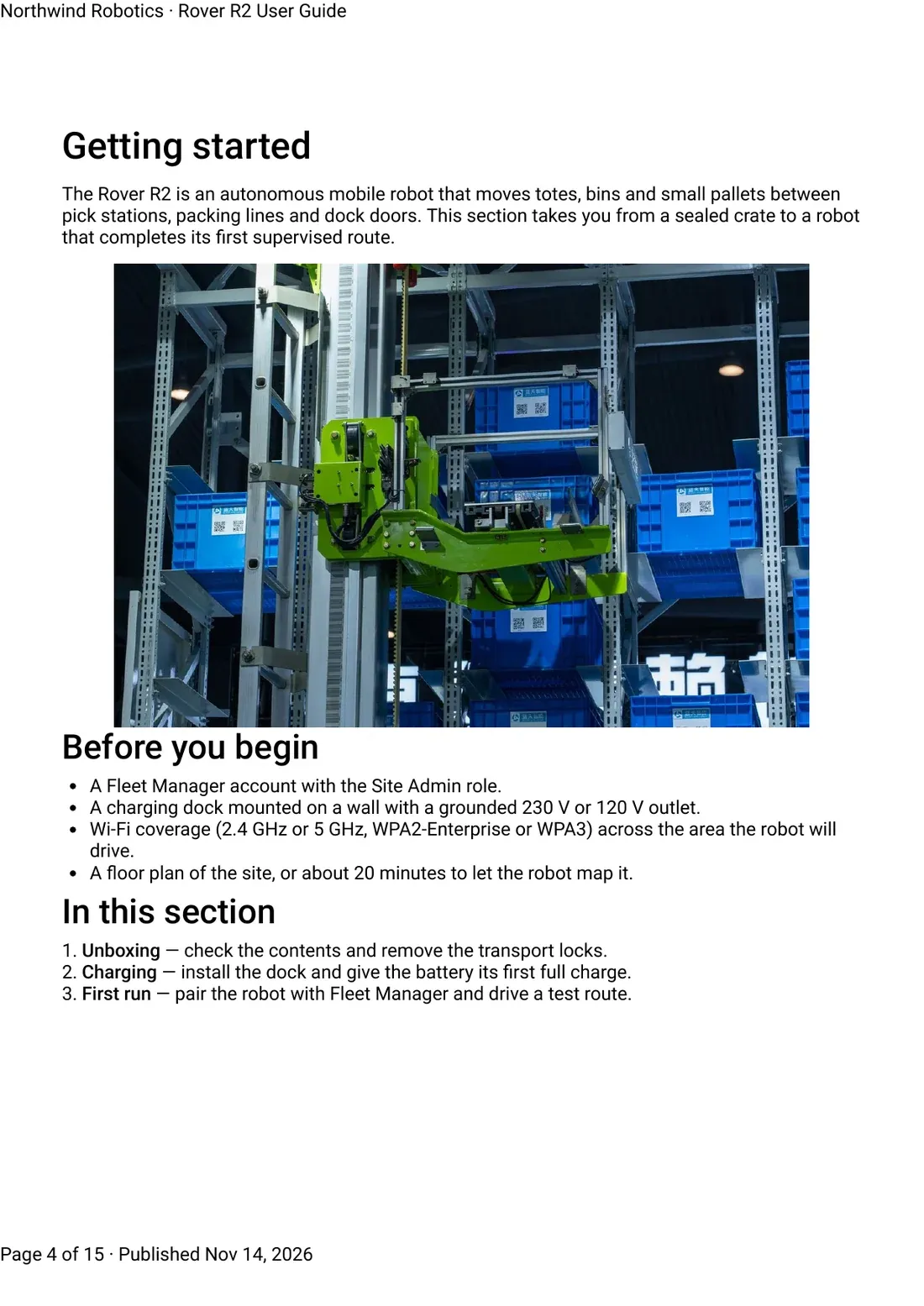
A print-ready manual, page by page.
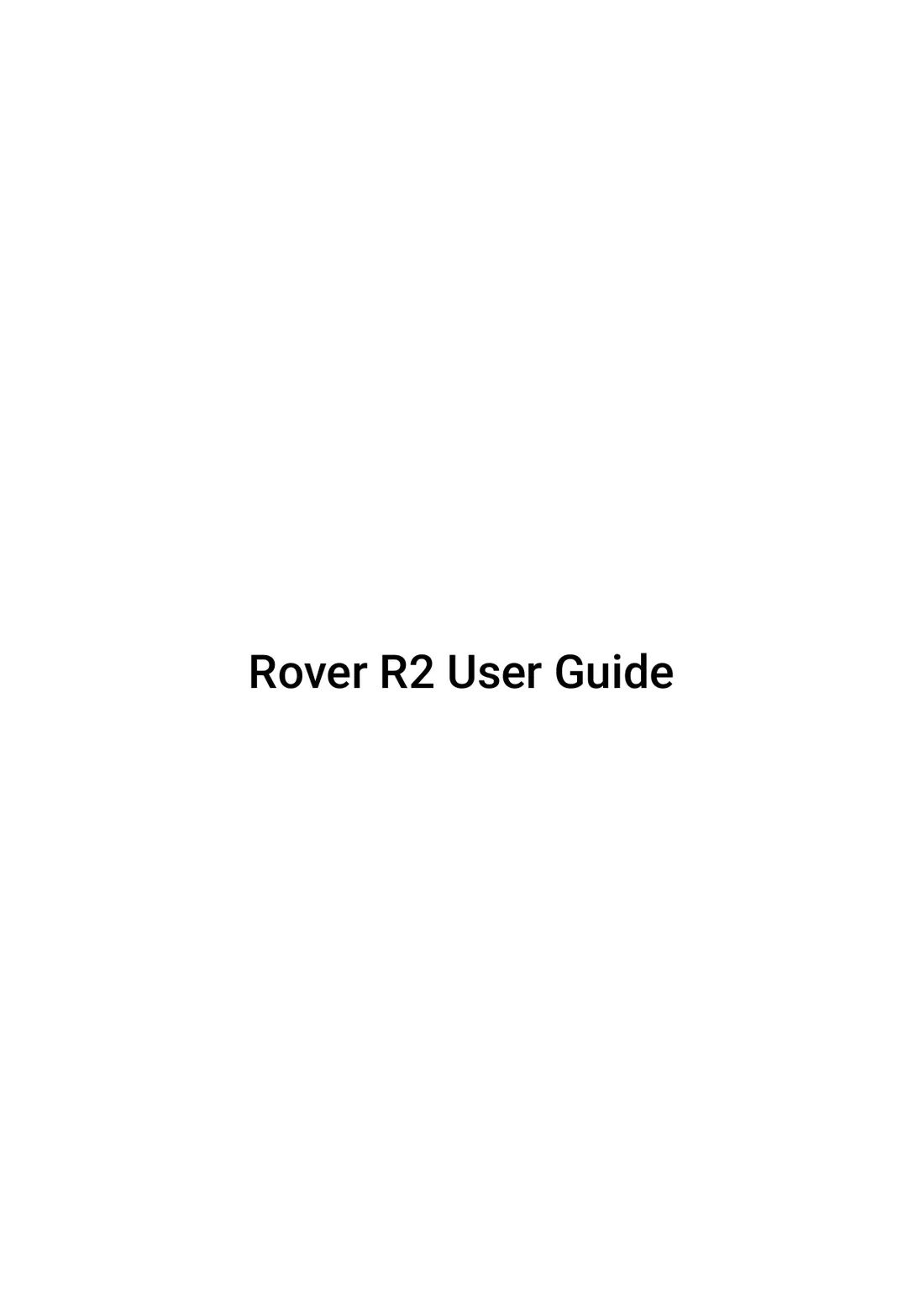
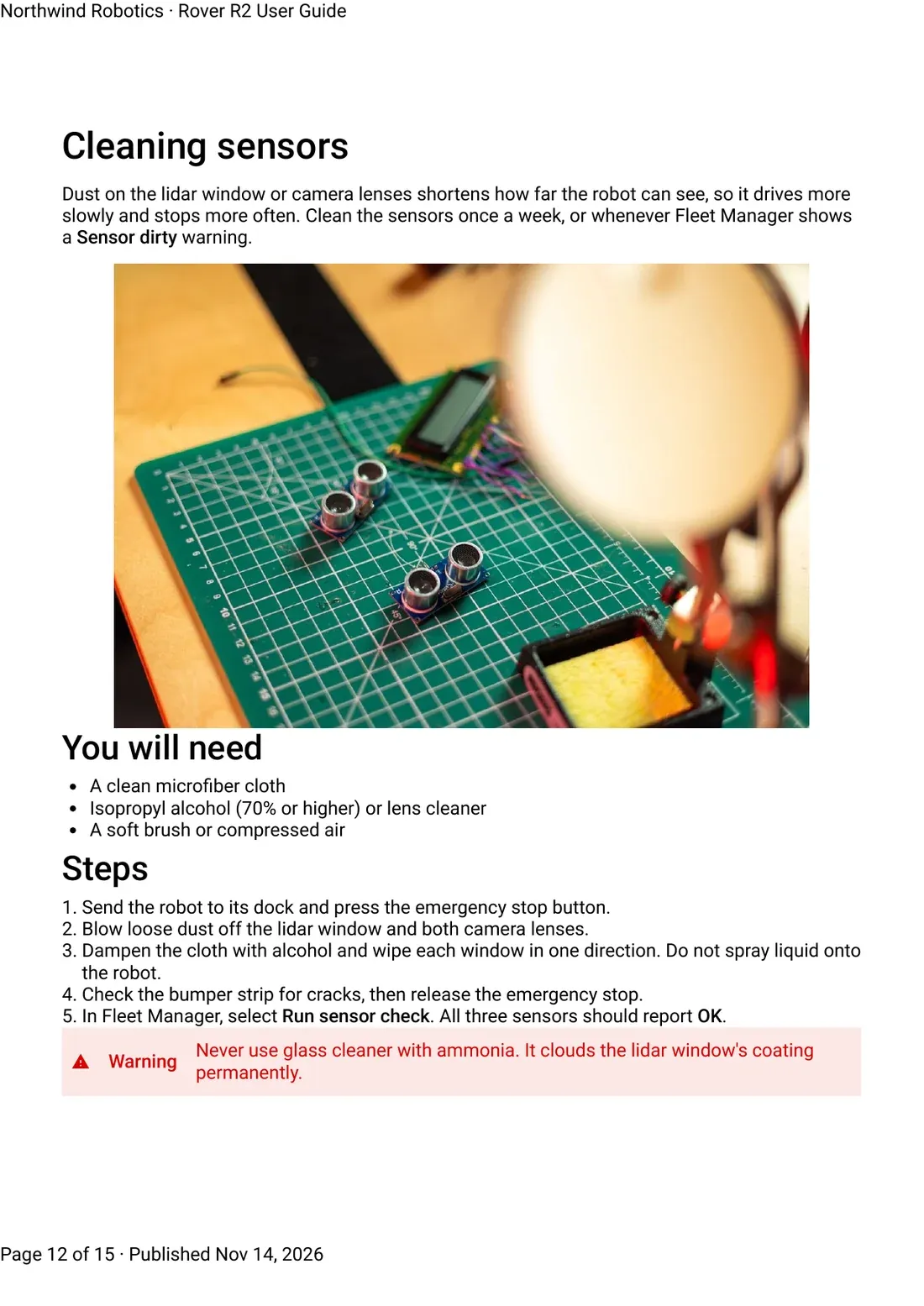
All five page types of a real PDF Sonat generated from a sample web manual.
The details
What PDF export includes
- Plans
- PDF export is on every plan, at no extra cost. Turn it on per document.
- Updates
- Rebuilt in the background after every publish, usually ready about 10 minutes later. Until then, readers get the previous PDF.
- Languages
- One PDF for each document and each language version.
- Download button
- Readers save the current PDF from your docs site. Turn it off whenever you like.
- Custom layout
- A custom cover page, header, footer and thumb tabs. Included in Business, or $39/mo on Team.
- Physical tabs
- A colored tab on the page edge for each chapter, so a printed manual opens at the right section. Part of the custom layout.
Manuals published with Sonat by





Send us one chapter. Get the PDF back.
Bring a chapter of your current manual. We'll show it to you as a Sonat web page and the PDF built from it.
FAQ
PDF export questions
Is PDF export free?
Yes. PDF export is on every plan. Turn it on for any document. The custom layout (cover, header, footer, thumb tabs) comes with Business, or as a $39-a-month extra on Team.
How soon after publishing does the PDF update?
Sonat rebuilds the PDF in the background after you publish. The new version is usually ready about 10 minutes later. Until then, readers get the previous PDF.
Can I add my logo and a cover page to the user manual PDF?
Yes. You can set a custom first page and choose what appears in the header and footer of every page.
What are physical tabs?
Colored markers printed on the page edge, one per chapter. When the manual is printed and bound, readers can open it at the right section by hand.
Can readers download the PDF from the docs site?
Yes. Turn on the download button and readers can save the current PDF from your docs site.
Do I get a PDF for each language?
Yes. Each document and each language version gets its own PDF.
Can I turn PDF export off?
Yes. Turn off PDF export or the download button for a document whenever you like.