
Private docs
Private documentation for the people who should read it.
Keep some manuals private for customers, suppliers or staff, and keep the rest public. A private knowledge base and a public help center can live on one site.
On every paid plan: Team, Business and Enterprise.
How it works
Three ways in. You decide who.
-
1 Make the whole site or one manual private
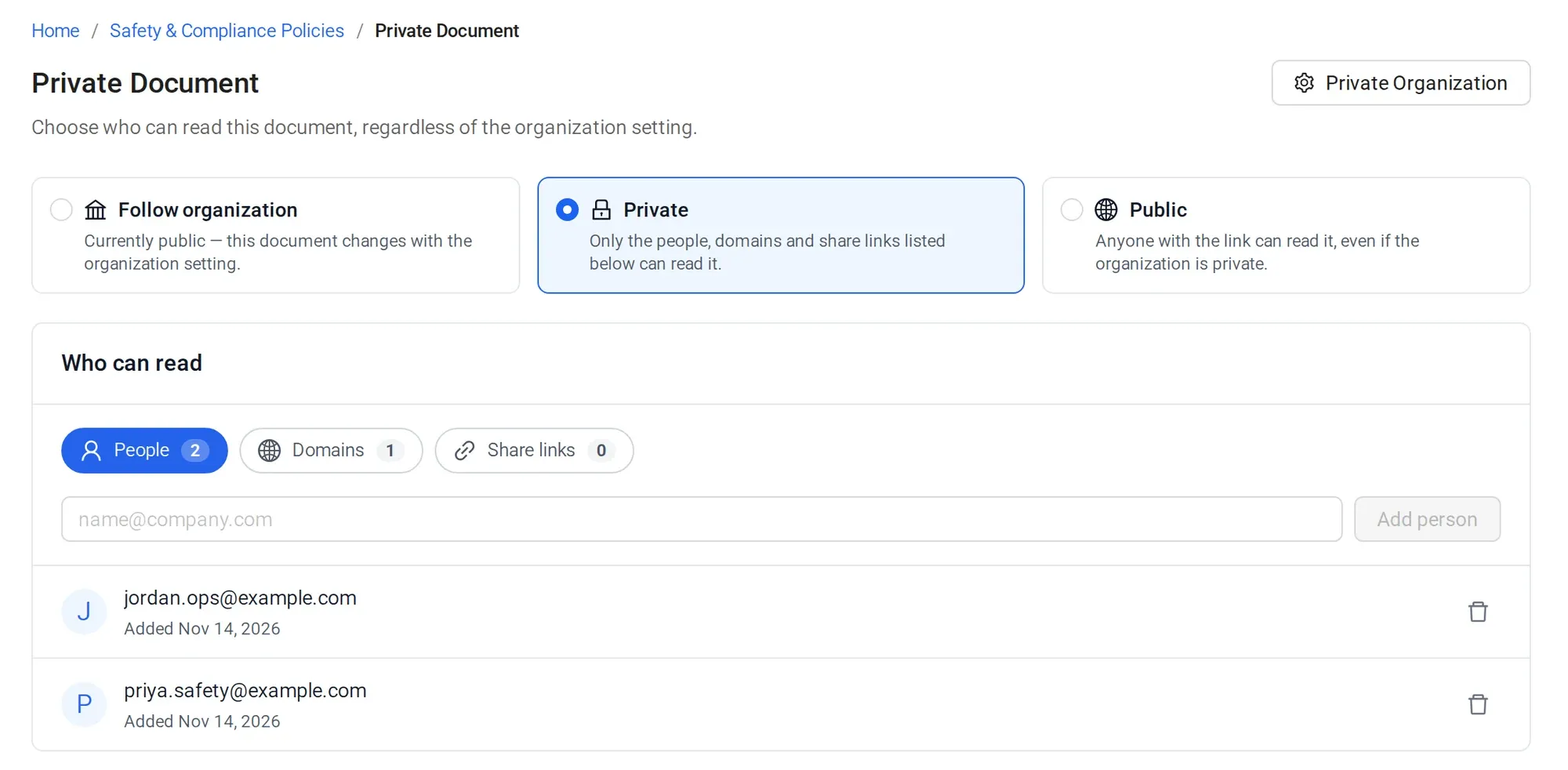
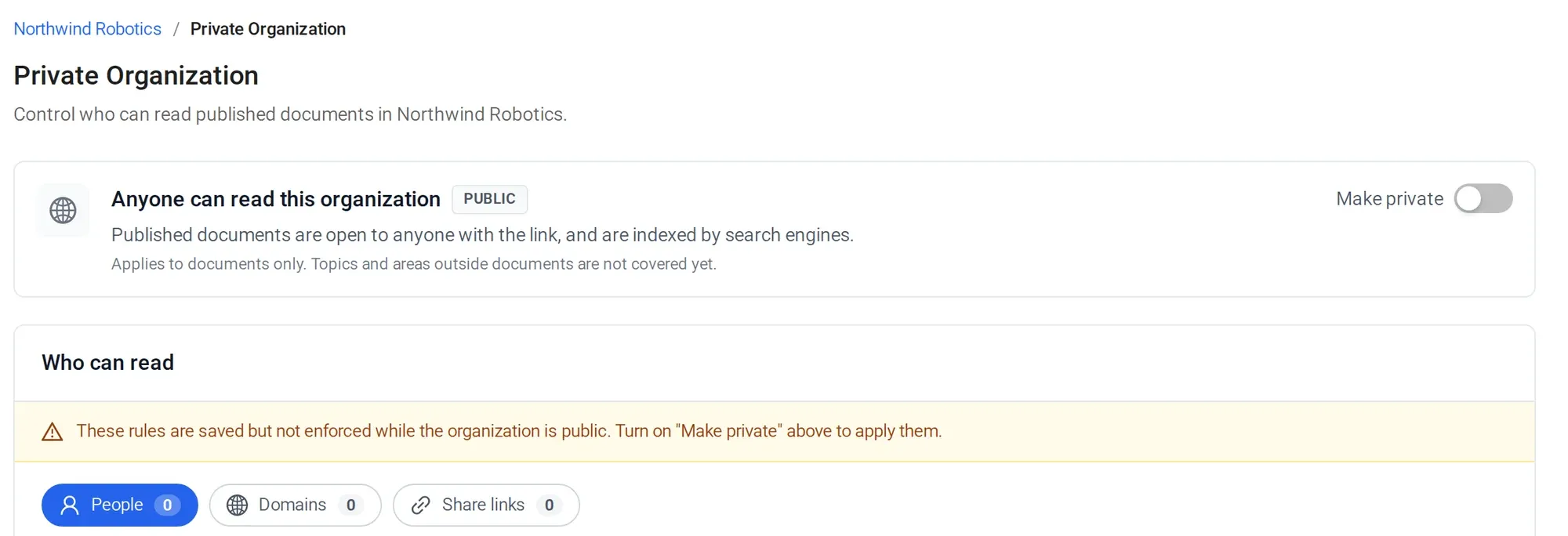
Make one document private, or the whole site. Public manuals stay open to everyone, and private ones show only to the readers you allowed.
-
2 Choose who can read: people, email domains or share links
Invite named people, allow a whole email domain such as @supplier.com, or send a share link to an auditor or a one-off customer.
-
3 Readers sign in
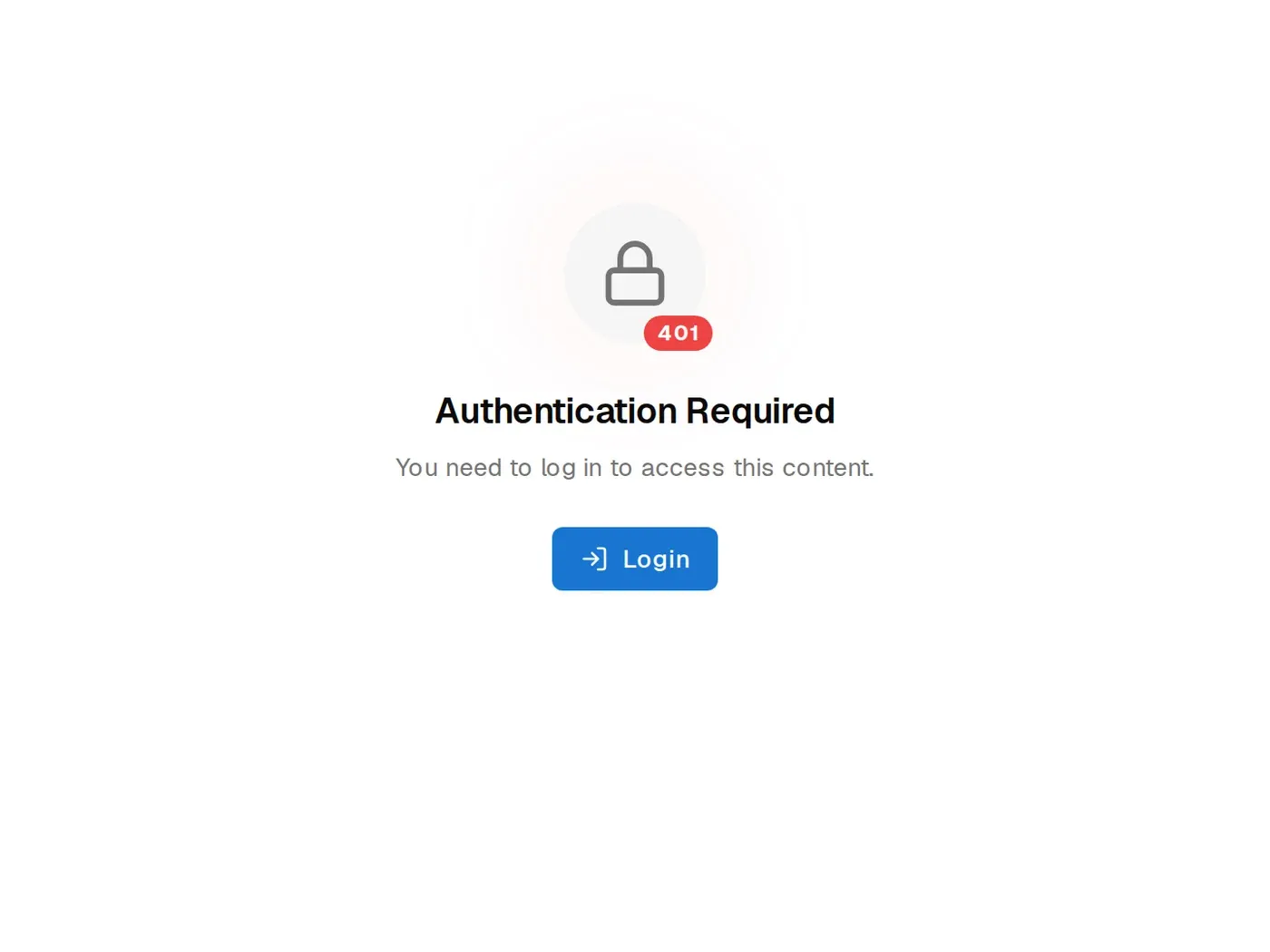
Allowed readers sign in and see the manual. Public visitors see nothing.
The details
What private docs include
- Plans
- Every paid plan: Team, Business and Enterprise.
- Who can read
- Named people, everyone on an email domain, or anyone with a share link.
- Scope
- One document or the whole site. Public and private manuals can share one site and one domain.
- No shared password
- Access goes by email address and share link, so you can remove one person without changing it for everyone.
- Your team
- Owner, Admin and Writer roles. Writers create, edit and publish.
- SSO
- SAML single sign-on for your team, on the Enterprise plan.
Manuals published with Sonat by




Stop emailing manuals to partners.
Book a demo and we'll set up one private manual for your suppliers, with your domain allowed.
FAQ
Private documentation questions
How do I make documentation private?
On a paid plan, mark a document, or your whole site, as private. Choose who can read it: named people, an email domain or anyone with a share link.
Can I allow a whole company's email domain?
Yes. Allow a domain such as @supplier.com and everyone with an address there can read the document.
Can I mix public and private docs on one site?
Yes. Each document can be public or private, so a public help center and private partner manuals can share one site and one domain.
Is there password protected documentation in Sonat?
Sonat uses readers' email addresses and share links instead of a shared password. That way you can see who has access and remove one person without changing it for everyone.
Which plan includes private docs?
Private docs come with every paid plan: Team, Business and Enterprise. See pricing for current prices.
Does Sonat support SSO?
Yes. Your team can sign in to Sonat with SAML single sign-on, on the Enterprise plan.